

OurStory is a storytelling app that connects immigrant parents and their children through shared English story creation and practice.
Year
2025
My Role
UX & UI Designer
Instructional Designer
Film Production
Target Users
First-generation immigrant parents learning English and their second-generation kids growing up bilingual
Team
Project Manager
UX Research Lead
2 Designers
Mobile User - Parents
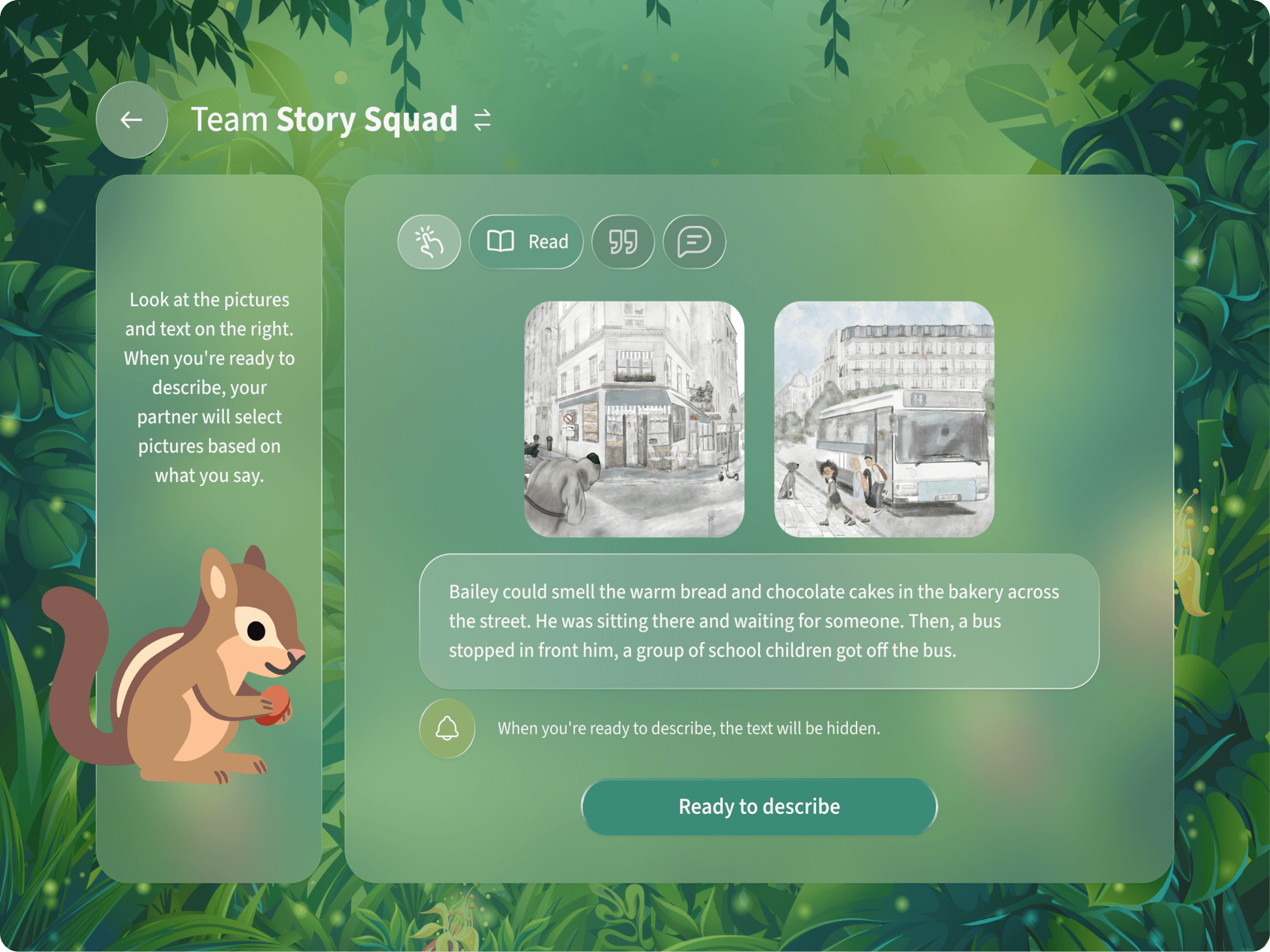
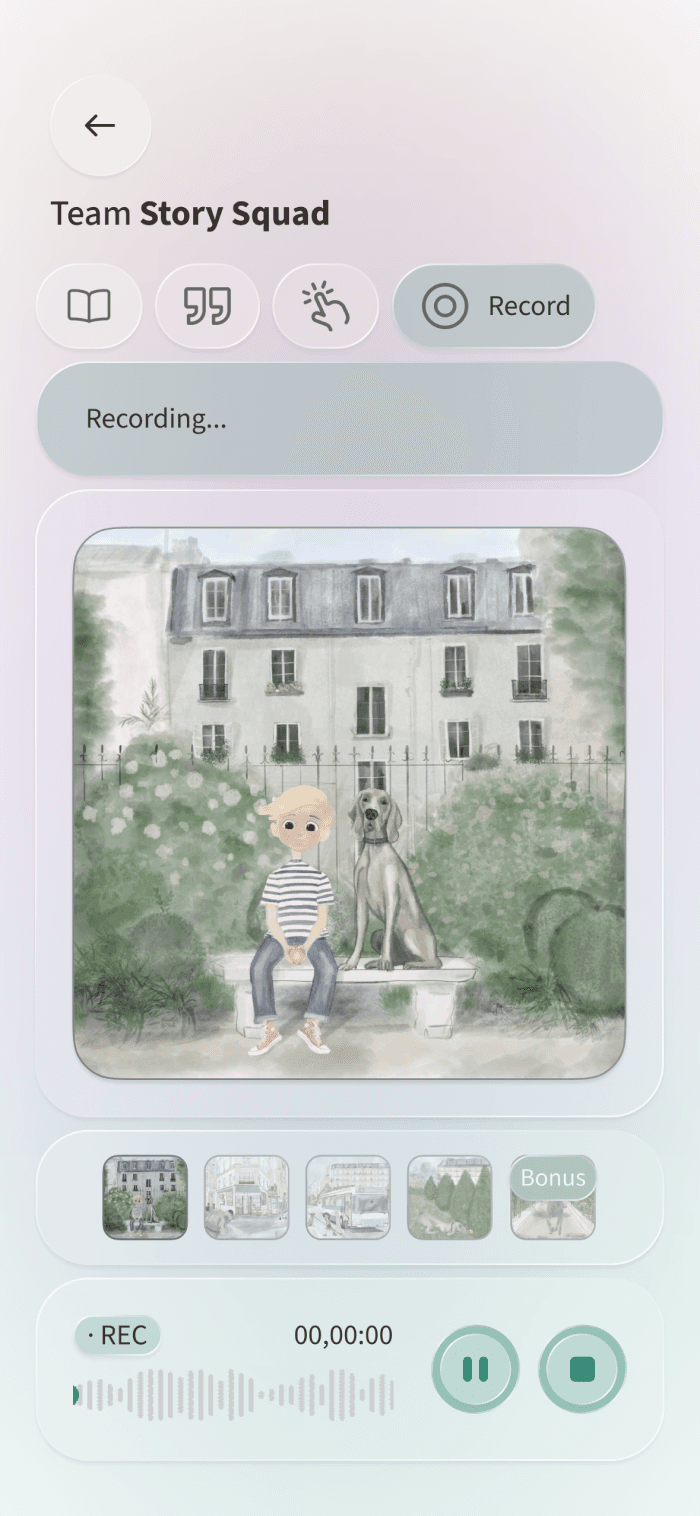
Parents and children collaborate synchronously across two connected devices, reading and describing together to build their story in real time.
Create a Story (Collaboration Mode)
Study a Story (Individual Mode)
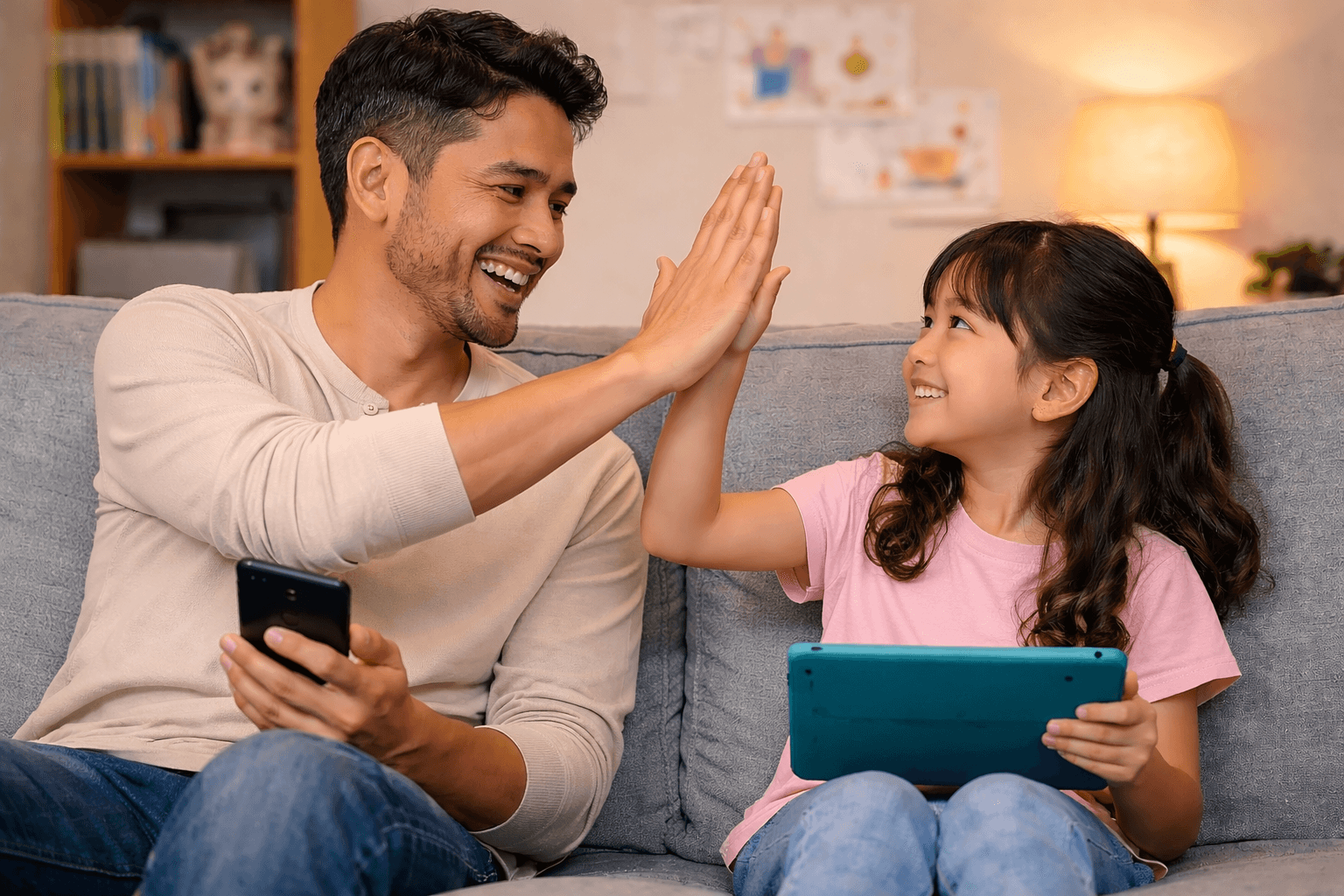
Co-Creating Stories Together
Tablet User - Children
Each practice combines reading, speaking, listening, and writing, seamlessly embedded in one playful process, rooted in communicative pedagogy and information-gap design.
Co-create a story
What I Did
Full Design Ownership
I led the end-to-end design, owning the interaction flow and high-fidelity UI across phone and tablet experiences from scratch.
User Flow
Collaborative Storytelling
Two users on different devices take turns reading and describing content off-screen, guiding each other to select matching images through listening and interpretation, and ultimately co-creating a story together based on what they collect.
Task Completion
2–3 rounds of turn-taking
Step 1
Step 2
Step 3
Step 4
Step 5
Step 6
Child - Tablet
Parent - Mobile
Review
Create a Story
Describe
Select
Record the Story & Get Feedback
(Optional)
Story Setup
Read
Wait
Getting Ready
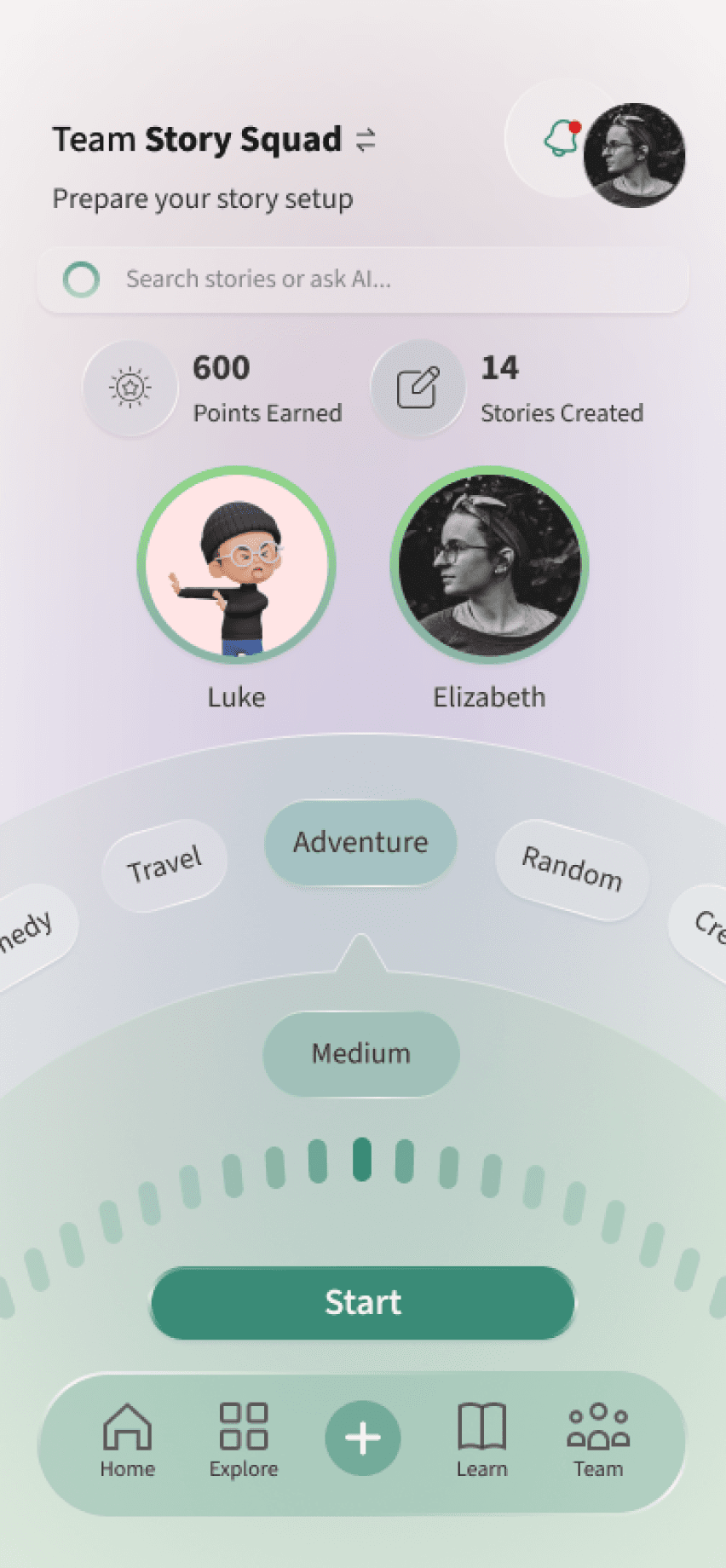
Mobile:
Shows team progress, supports team switching, story selection, and session start when both users are ready.
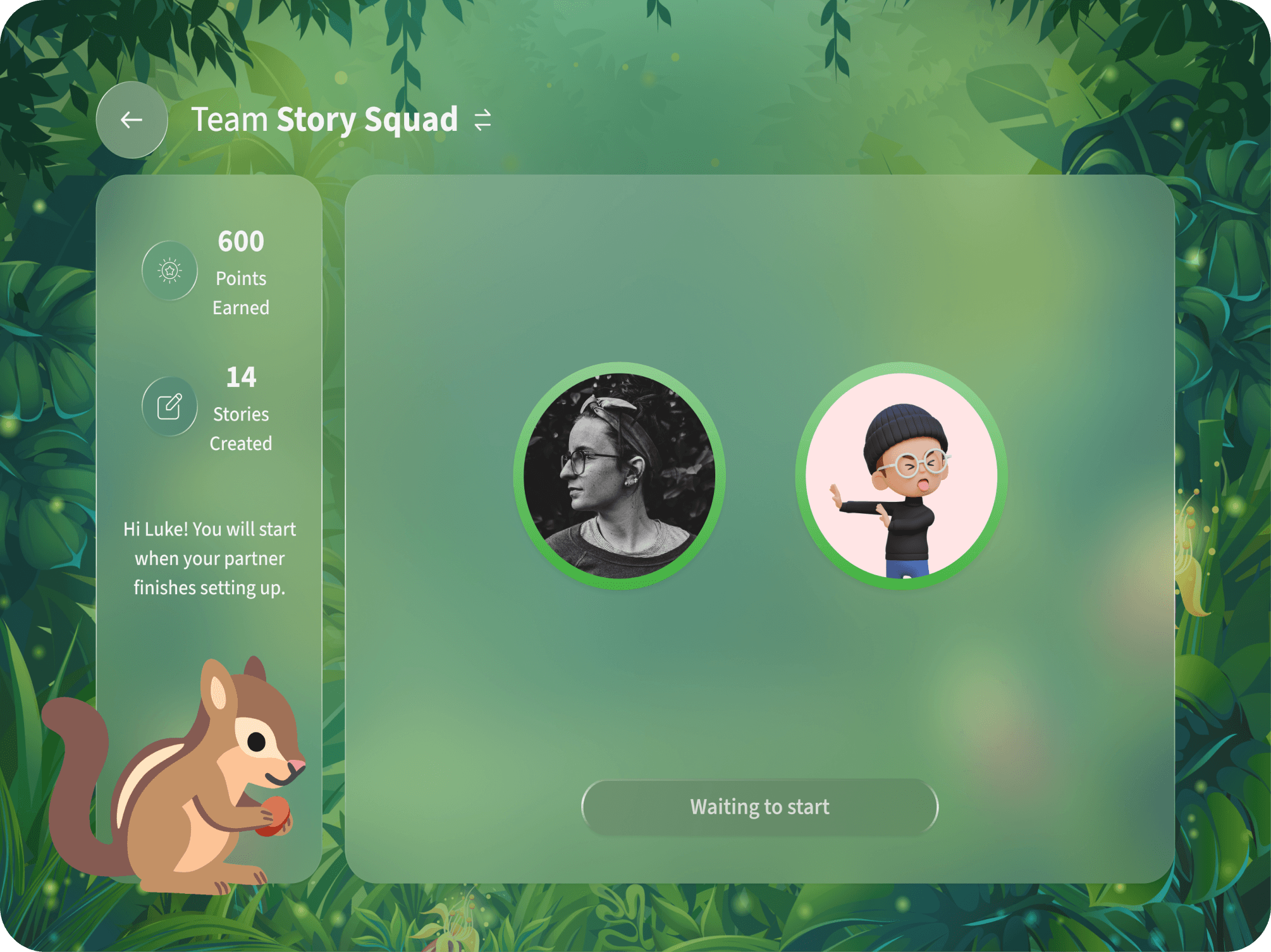
Tablet:
Shows team progress, waits for mobile setup, and starts automatically when the session begins.
Parent Reads & Describes
Child Waits & Selects
Mobile:
Reads a short paragraph and describes it to the partner without looking the screen. The partner selects images based on the description,
Tablet:
Waits while the parent reads, optionally plays a puzzle, then selects images based on the description and reviews the paragraph if correct.
Parent Waits & Selects
Child Reads & Describes
Mobile:
Waits while the child reads, selects images based on the description, and reviews the paragraph once correct.
Tablet:
Reads a paragraph with images, describes it off-screen, and helps parent choose the correct images.
Co-create a Story off Screen & Record it on Mobile
Mobile:
Parents record, receive feedback, and edit the story in-app. Once finalized and titled, both can review it in their shared story collection.
Tablet:
Helps co-create the story, can join the recording, and reviews the final version after completion.
Study a Story - Mobile (Parent Only)
What I Did
Full Design Ownership
I designed the flow and visual system for the individual learning mode, supporting guided yet self-paced practice through reading, listening, speaking, and writing activities, with vocabulary matching, sentence practice, and feedback-driven speaking at the end.
Step 1
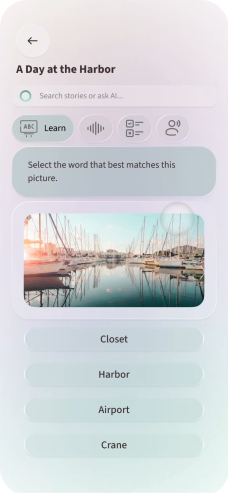
Learn through vocabulary
Build understanding by matching words with images.
Step 1
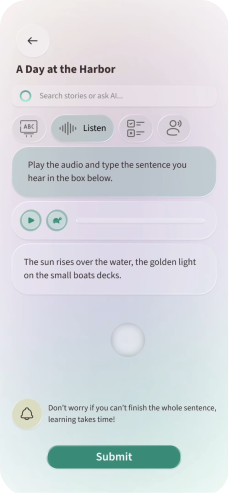
Listen and type
Strengthen listening and writing skills by typing what is heard.
Step 3
Review and Recall
Reinforce comprehension through quick fill-in-the-blank quizzes.
Step 4
Speak and Record
Reinforce comprehension through quick fill-in-the-blank quizzes.
Step 5
Reflect with Feedback
Review personalized feedback to refine language use and build confidence.
Overview
My Contributions
The Lead of 0-1 Product Design
I drove the 0–1 product design process from early concept sketches and user testing to final high-fidelity delivery, building a design guide and reusable components along the way.
Problem
Immigrant parents and their children face a language gap that weakens everyday communication and family connection.
Context
Why Immigrant Families in the U.S.?
0 million
0 million
people in the U.S. live in immigrant families
0%
0%
immigrant adults have limited English proficiency
0%
0%
immigrant children are native English speakers
0%
0%
immigrant children live in “linguistically isolated” households
Target User
01
First generation immigrant parents in the U.S
Eleonora
Age:
34

📍
“My English isn’t very good. When I speak, my daughter gets embarrassed, so we don’t talk as much anymore.”
Originally from France
Work for the French government
5 years in the U.S.
Barely uses English
Target User
02
One-and-a-half / Second generation immigrant children in the U.S
Alex
Age:
9
📍
“Why isn’t my dad like other kids’ dads? His English isn’t very good. It’s embarrassing at school.”
Moved from Japan at age 4
Attends public elementary school
Lose comfort in Japanese
Mainly speaks English
Design Process
Research
Exploring Family Dynamics and Everyday Challenges
I conducted semi-structured interviews and contributed to secondary research as part of a collaborative team.
Literature Review
To understand the emotional, cultural, and linguistic challenges faced by immigrant families.
Competitive Analysis
To identify gaps in existing English-learning and family interaction apps.
6 Semi-structured Interviews with parents
To explore real experiences and needs of immigrant parents learning English.
2 SME Interviews with bilingual teachers
To understand how language influences relationships between children and their immigrant parents.
Design Challenge
Turning Insights into a Design Challenge
Based on our research findings, I proposed a design challenge and aligned it with the team to guide our design principles and concept brainstorming.
How might we bridge the language gap between immigrant parents and children while strengthening their bond in everyday lives?
Co-Design Workshop
Co-Design with Families to Explore Real Communication and Collaboration
After dot voting and theme synthesis, we chose “Create a Story” as the strongest direction. To understand how families communicate and create together, I led a co-design session, observing interactions to uncover how storytelling could feel natural, engaging, and supportive across generations.
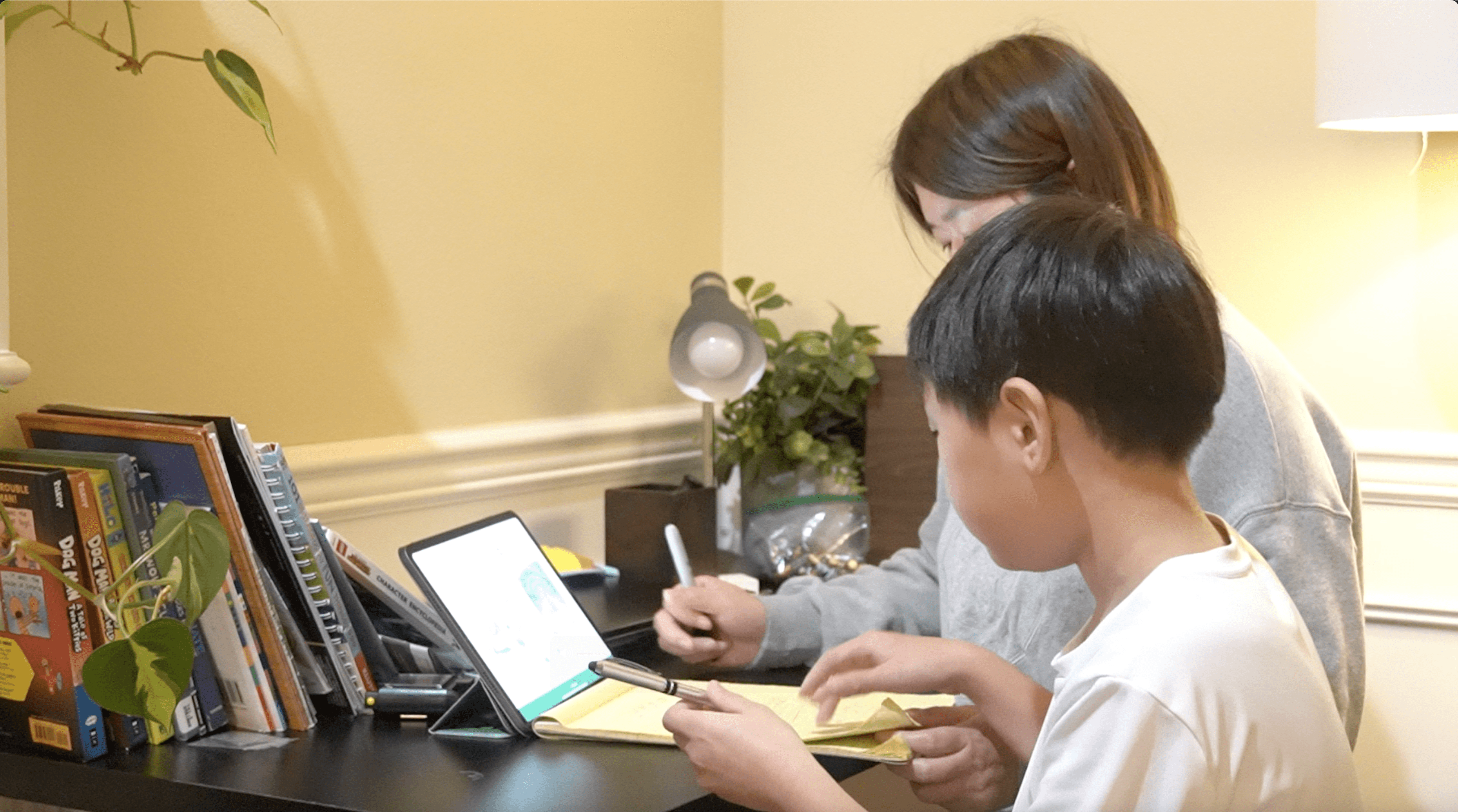
Parent and child co-creating a story during the workshop.
01
Children naturally take on the role of teacher
02
Playful interaction keeps families engaged
03
Visual prompts spark collaboration
04
Balanced turn-taking builds shared flow
Design Principles
Principles that Guided the Design Decisions
After synthesizing insights from the co-design session, I defined key principles to guide our design direction. I aligned them with the team to ensure that our concept balances playful collaboration with authentic English learning.
Design for Togetherness
Encourage shared, face-to-face interactions that strengthen family connection and support more balanced participation.
Build Trust and Confidence
Support parents’ English growth through empathy and encouragement, helping them feel capable in front of their children.
Keep the Interaction Joyful
Make every moment feel playful, light, and emotionally positive to sustain engagement.
Empower Supportive Roles
Give children meaningful ways to assist and motivate their parents without creating pressure or hierarchy.
Design Iterations
Homepage - Mobile
Enhanced Content Visibility and Navigation Flow
I created the design system, designed the high-fidelity UI, and gathered user feedback during testing. The following screens highlight key iterations I made and the reasoning behind each design change.
Before
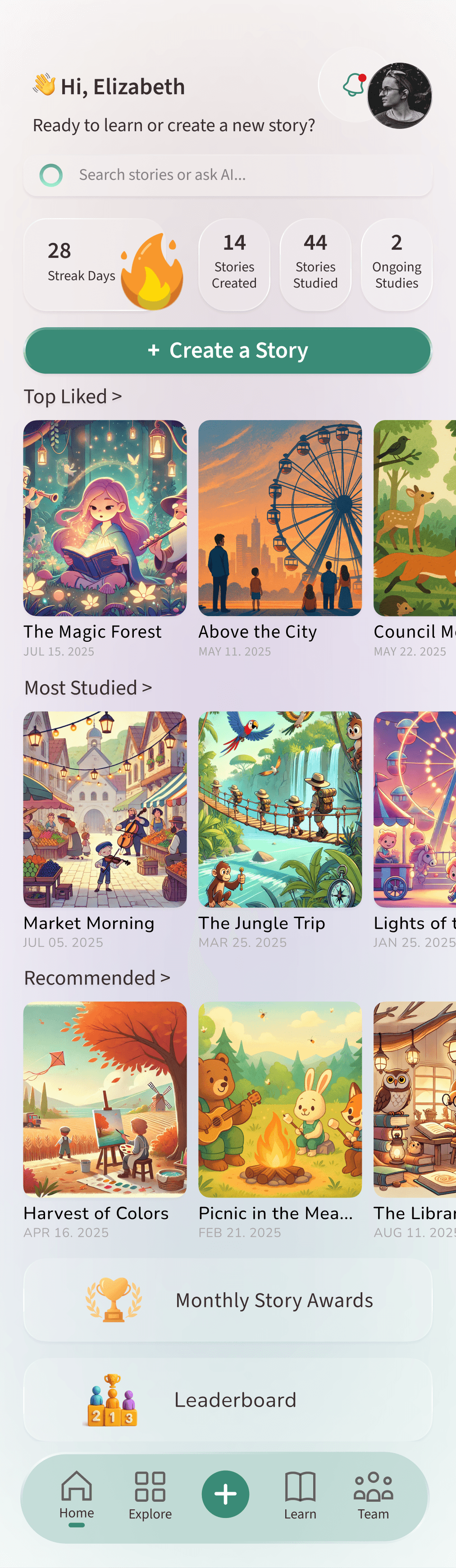
01
Linear and scroll-based flow
02
The story’s creation time is not important for users.
03
Leaderboard and Awards placed far below, requiring long scrolling to reach
After
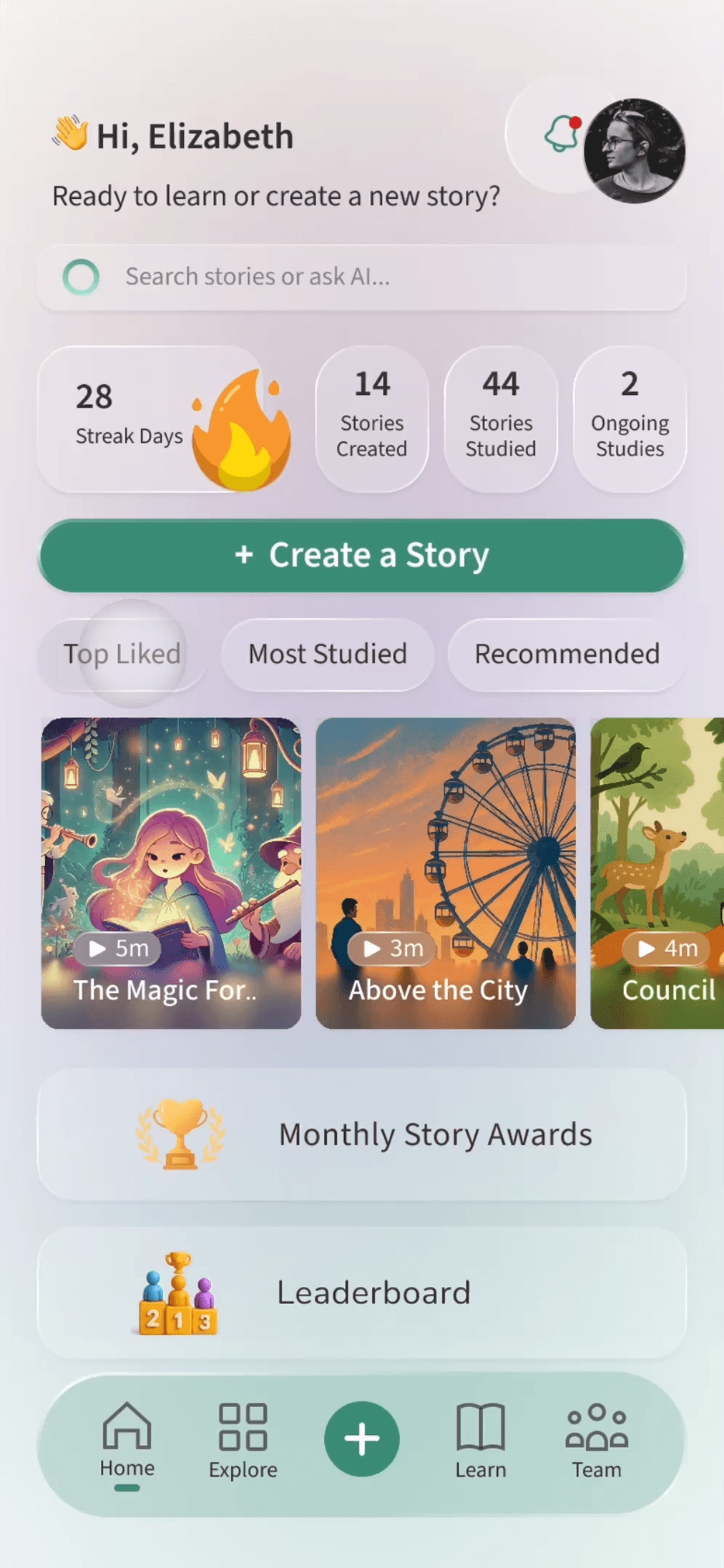
01
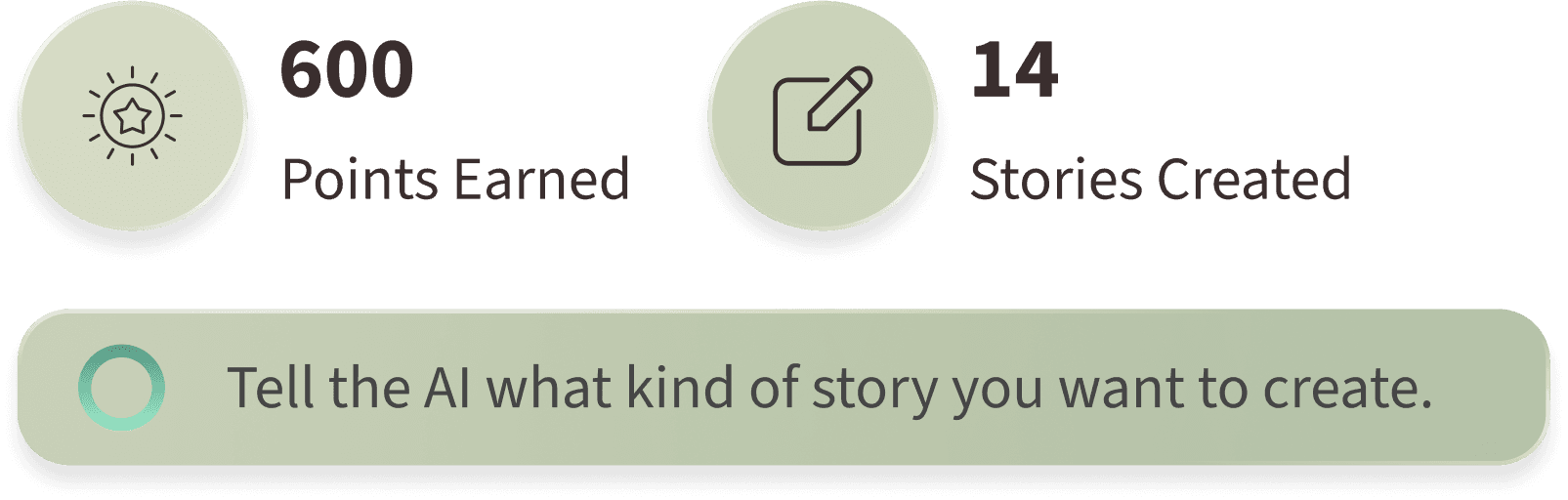
Added category tabs to let users switch between story types without scrolling.
02
Added story duration labels to help users choose based on available time.
03
All key content is visible on one screen.
Homepage - Tablet
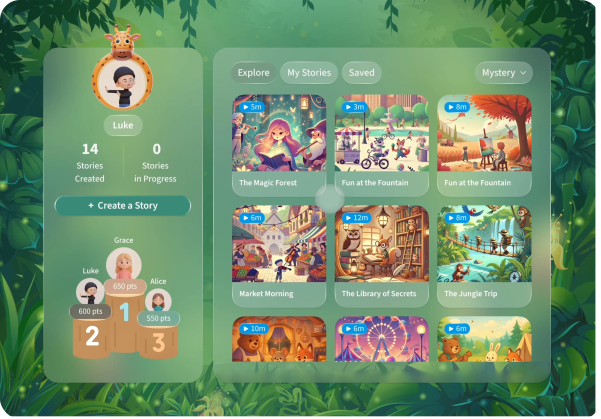
Increased Engagement and Motivation through Clearer Hierarchy
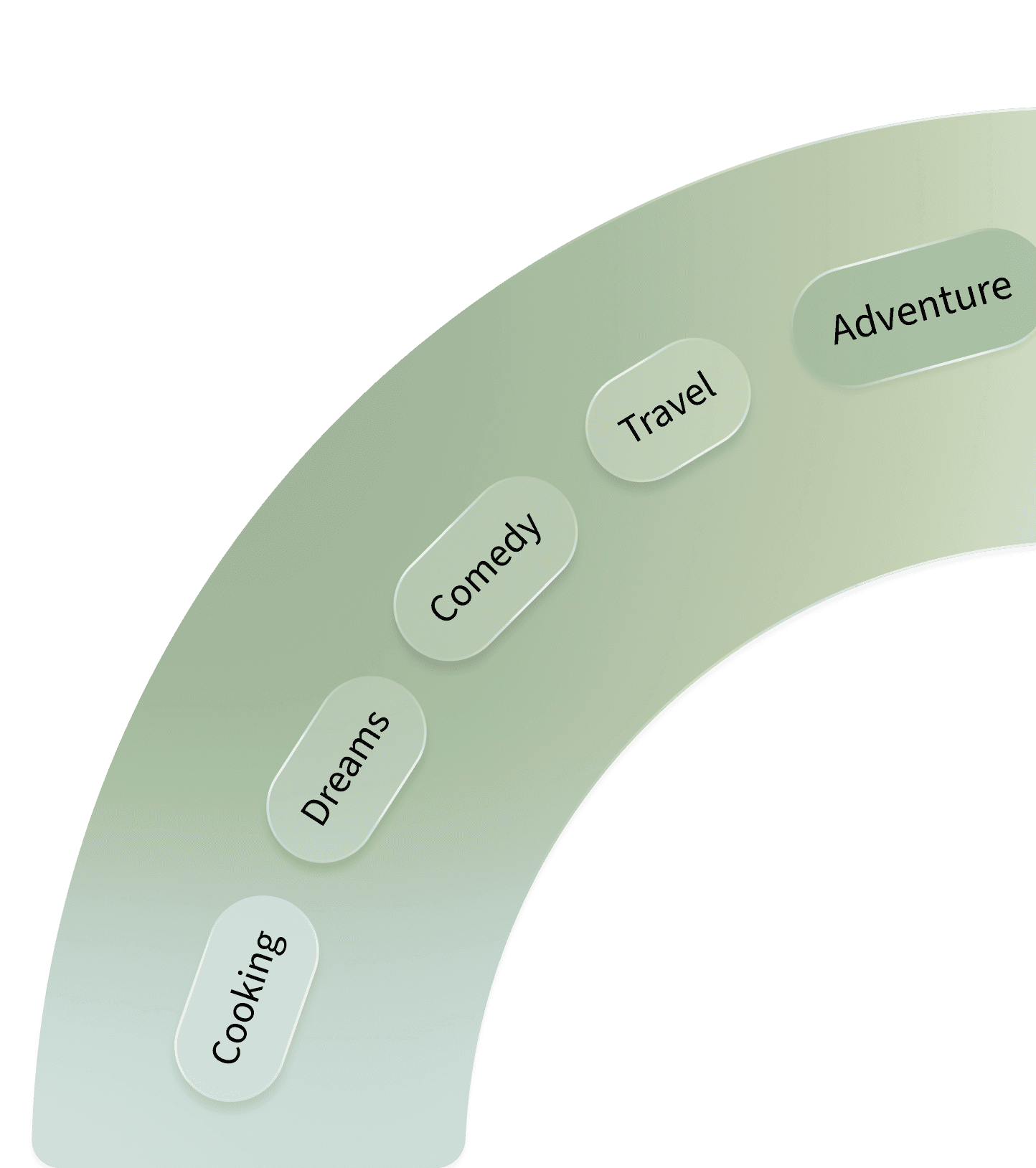
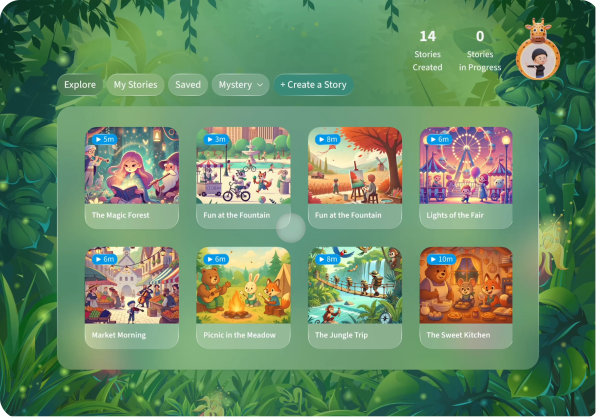
The homepage lets families browse, view, and listen to stories shared by others. Mobile users can also learn and practice through each story.
Before
01
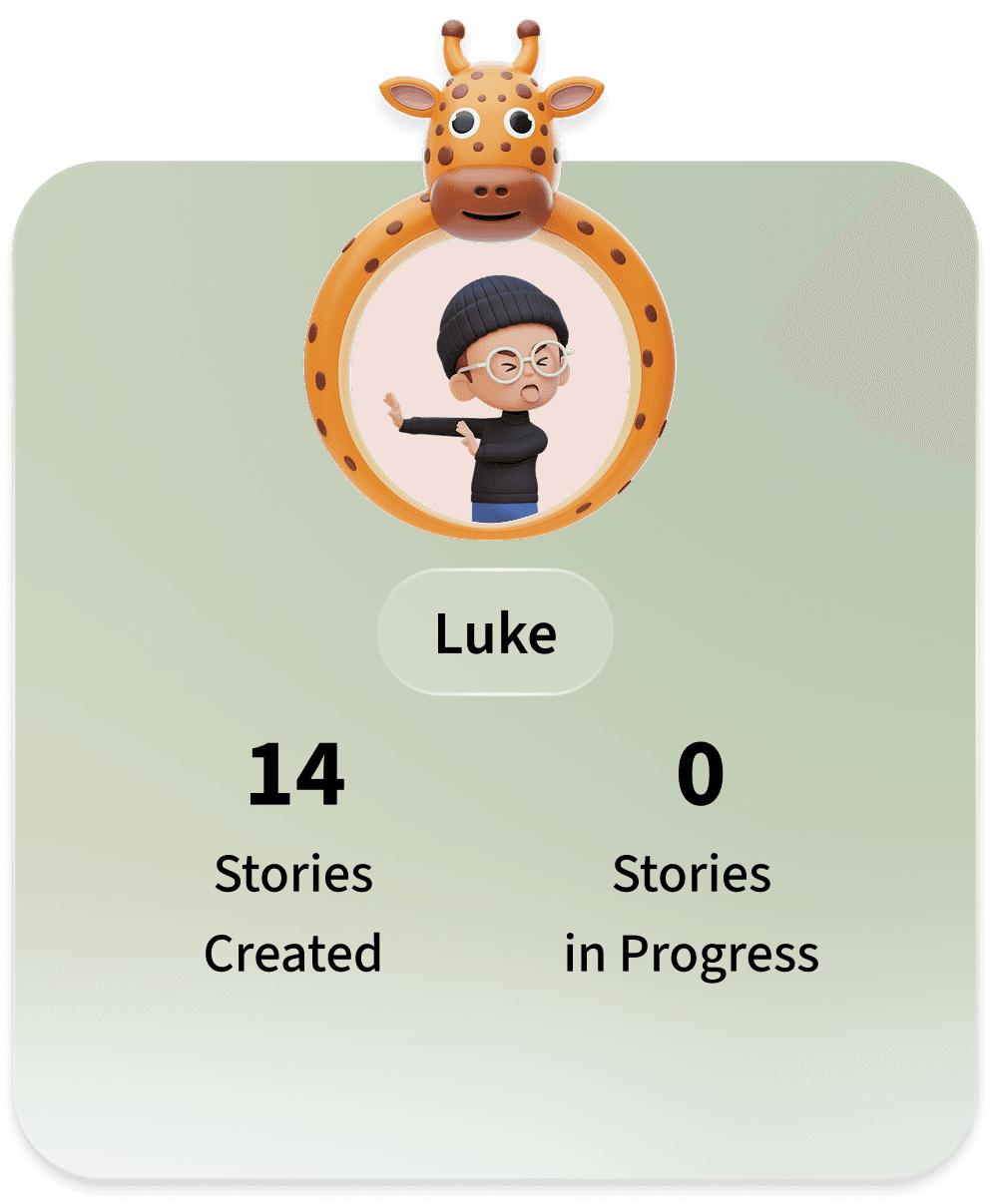
Profile and progress tracking were not prioritized visually, reducing motivation and personal connection.
02
The CTA was grouped with navigation, reducing clarity of the main action.
01
Created a two-column structure that balances personal progress (left) with story discovery (right), making both equally accessible.
02
Repositioned the “Create a Story” CTA to stand out as the main action, clarifying focus and flow.
03
Added leaderboard to encourage motivation and friendly competition through visible rankings.
After
Live Status Indicator - Mobile
Improved Real-time Awareness and Collaboration
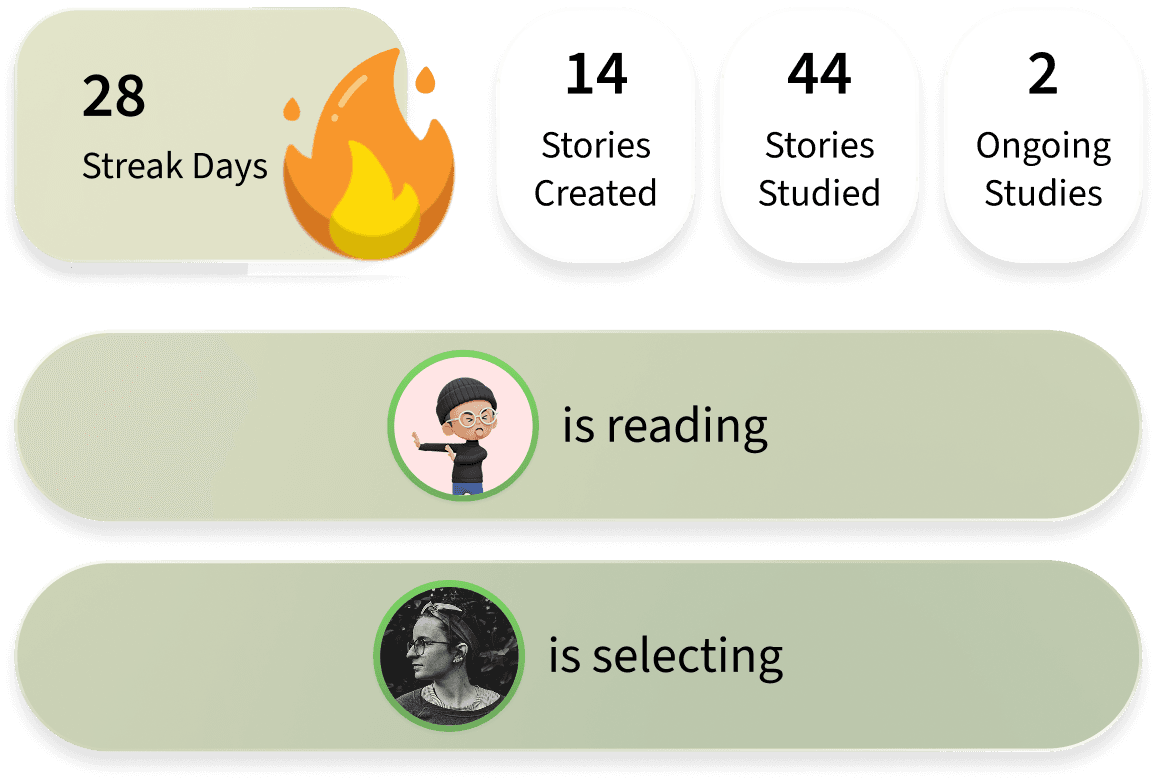
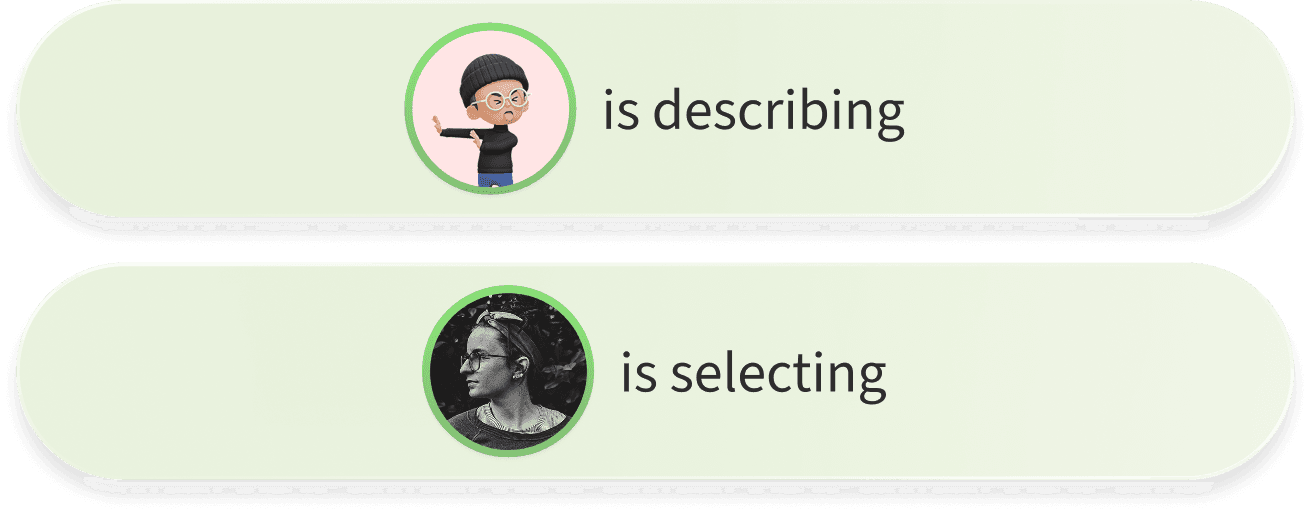
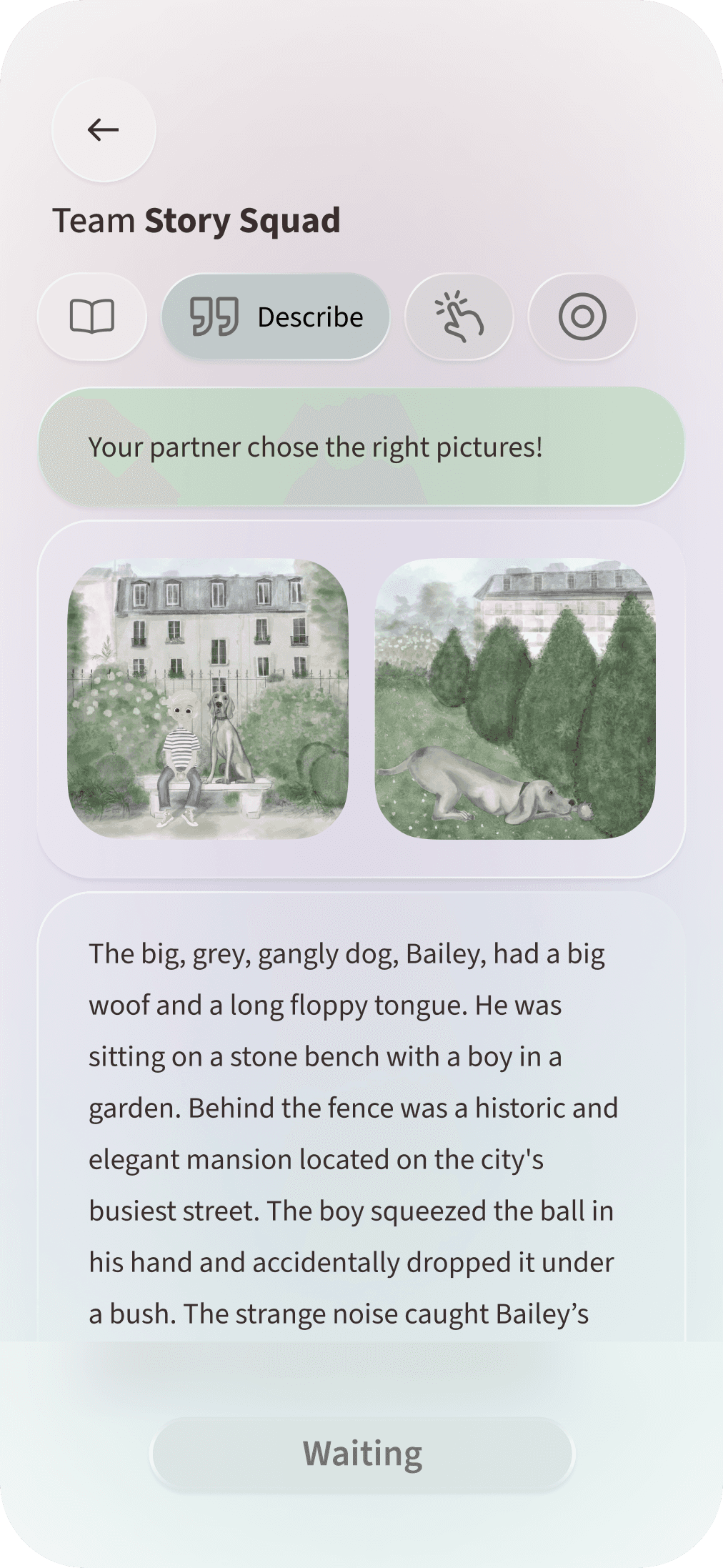
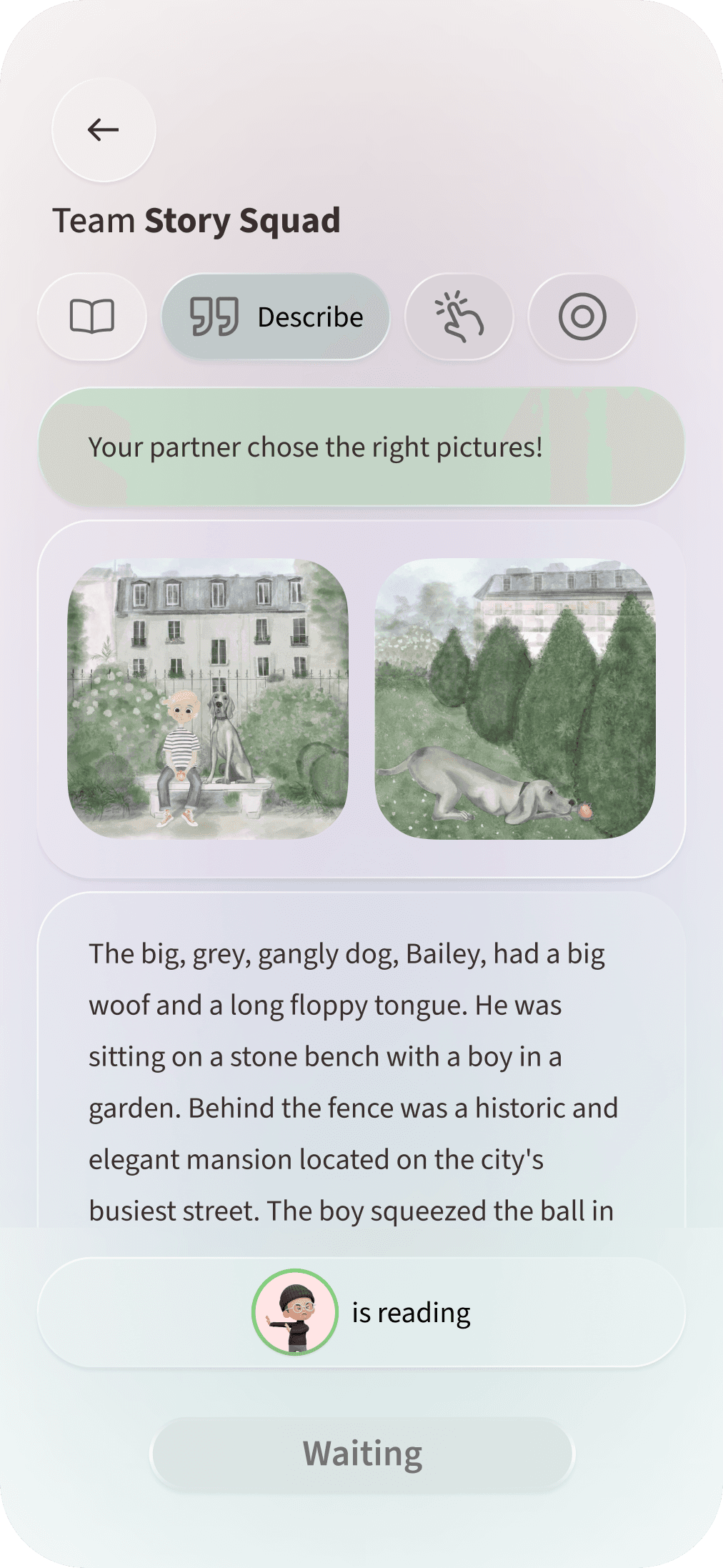
In this information gap activity, each user viewed different content. The live status indicator improved coordination by showing what the other person was doing in real time.
Before
01
Users couldn’t tell what their partner was doing during the activity.
After



01
Added a live status indicator to show when the other user is reading or selecting, improving coordination without revealing screens.

Language Feedback - Mobile
Made feedback more immediate, interactive, and actionable
Parents record the stories they create and receive instant language feedback to support learning and improvement.
Before
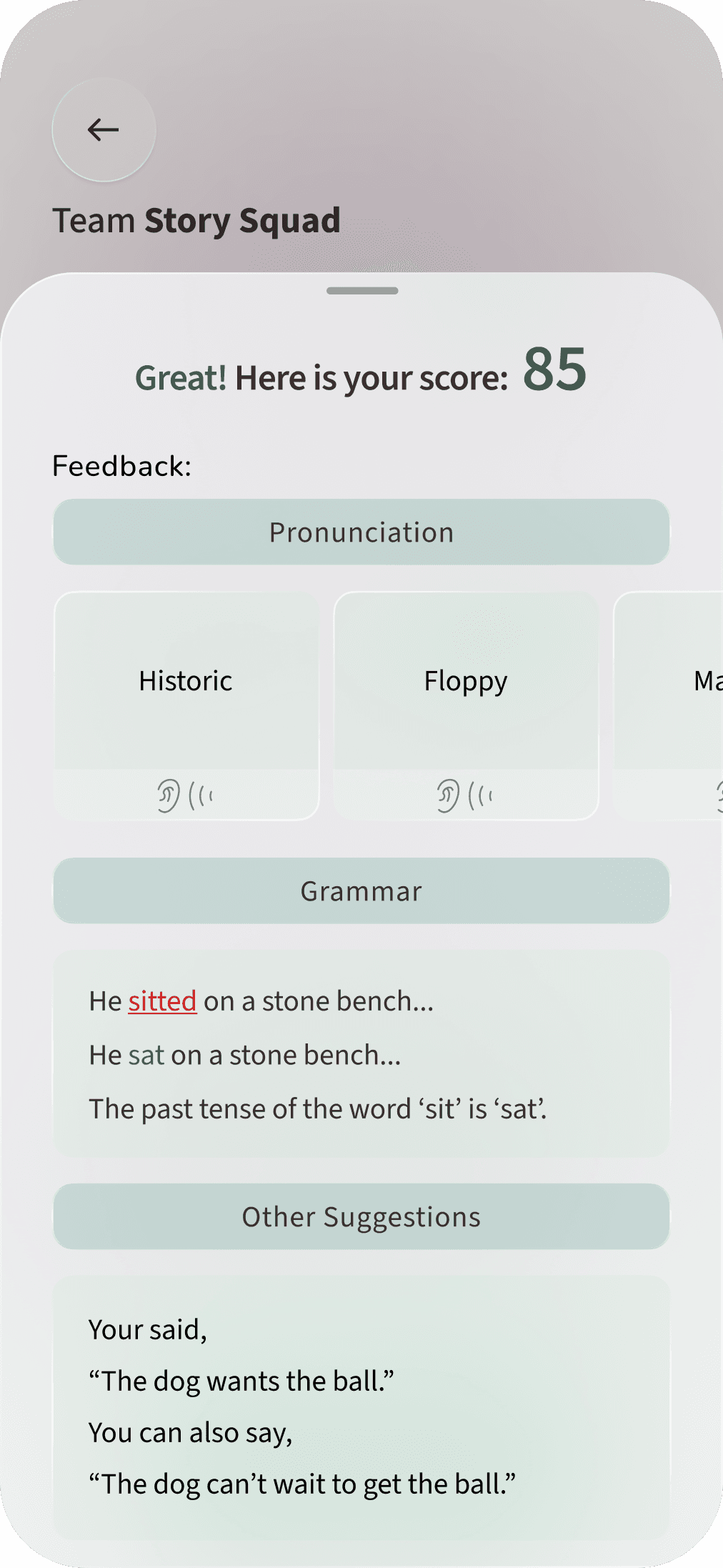
01
Displayed a score after recording, focusing on performance results.
02
Feedback was shown separately after completing the story.
After
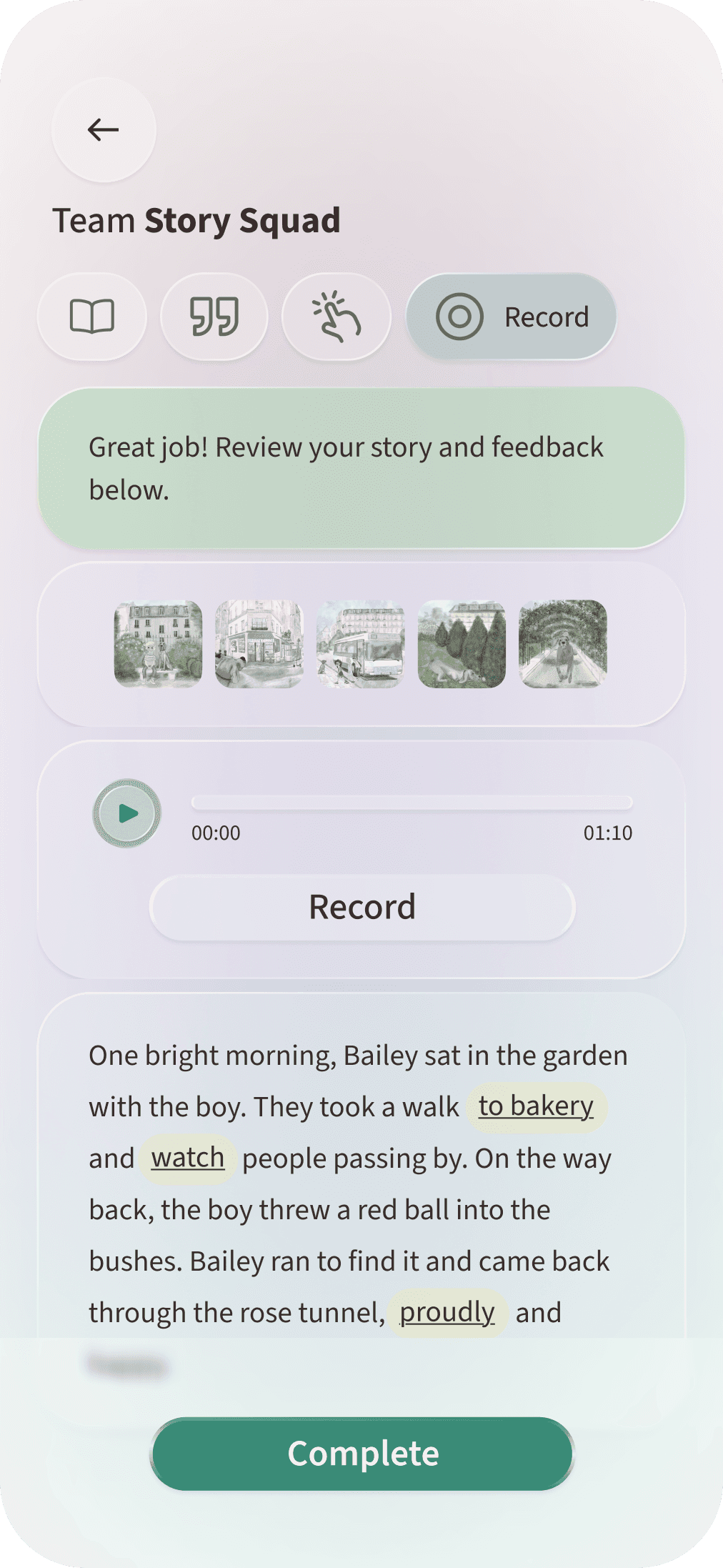
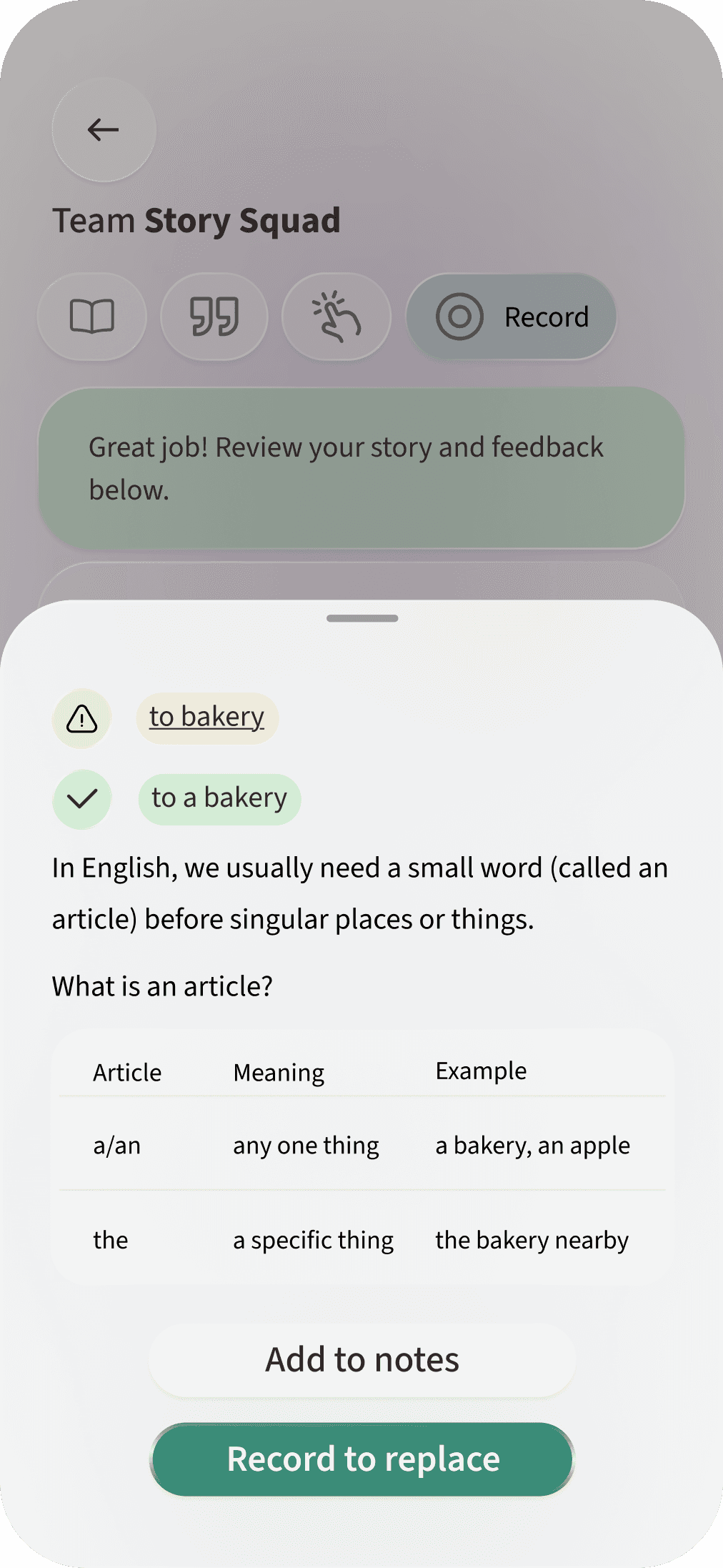
01
Removed the score and replaced it with actionable feedback to help users understand how to improve.
02
Introduced in-text, clickable feedback, allowing users to review and learn directly within their story.
03
Added “Record to replace” to let users immediately re-record and apply feedback for active practice and improvement.

Reflections
What I Would Do Differently?
Designing for More Players
In a future iteration, I would design OurStory with a broader set of players in mind. Instead of focusing primarily on parent–child interactions, I would explore how the experience could support other relationships and forms of co-creation.
Language as a Two-Way Bridge
I would also expand the language model beyond English learning. To truly address communication gaps, the product should support bidirectional and multilingual practice, allowing children and adults to learn each other’s languages and helping cultural identity carry forward across generations.