


Year
2024
Company
Articulate.AI
My Role
Founding Product Designer
Conversation Designer
Target Users
Adult learners looking for a more guided and interactive way to practice real-world communication
Team
Founders
Engineers
AI Scientists & Researchers

01
Unclear product vision
02
Constrained engineering bandwidth
03
Need to validate user demand
My responsibility: build a cohesive and usable product experience
Everyday communication
Practicing more flexibly
Improving through feedback
Preparing for exams
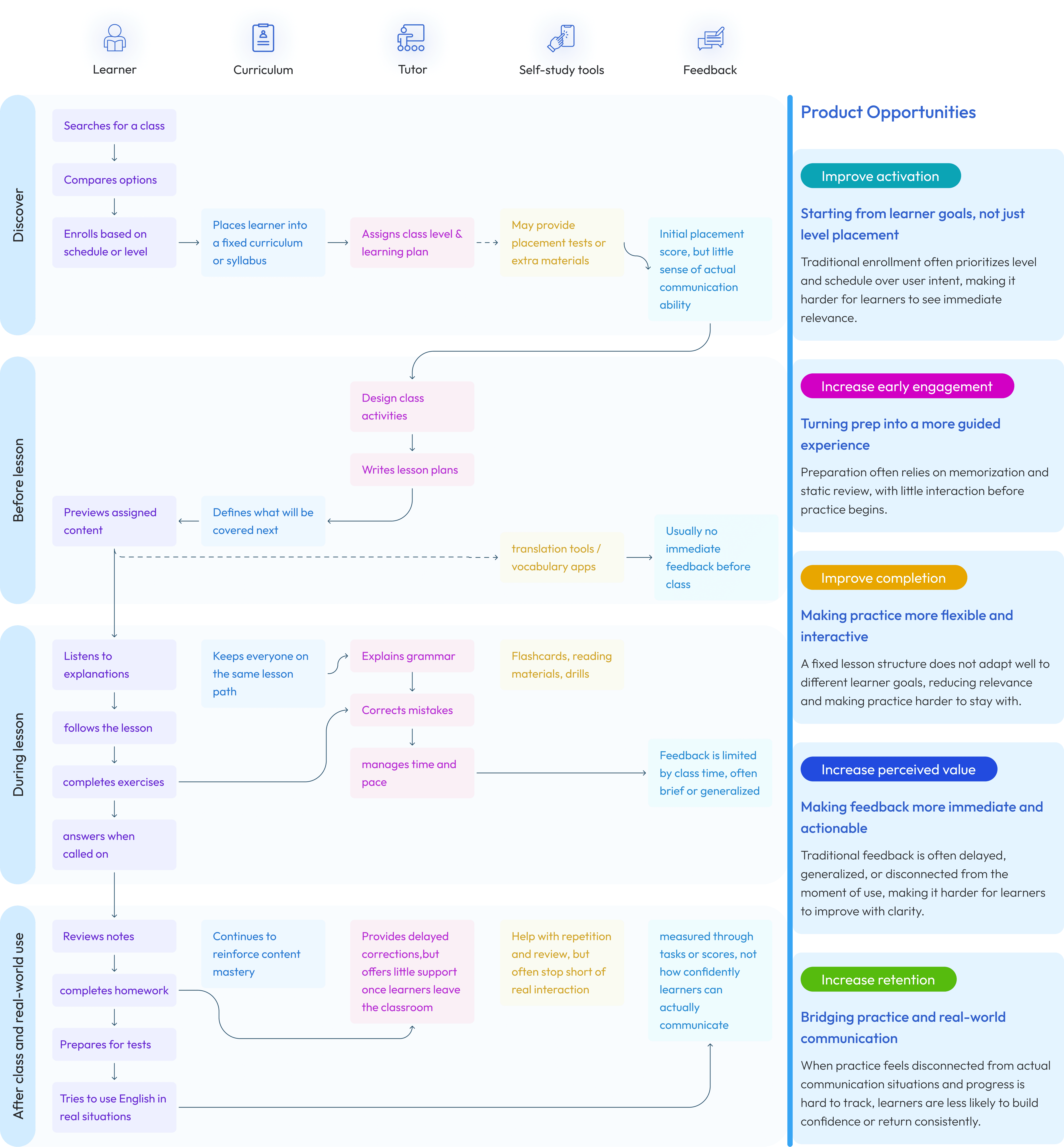
Fragmented Progress Signals
Hard to stay oriented and know what to do next
Rigid Learning Paths
Not adaptable to learner’s goals and real-life needs
Limited Real-World Practice
Practice does not reflect real communication situation
Context Management
Maintains user goals, practice context, and prior conversational state.
Interaction Handling
Supports text and voice within the same conversational flow, enabling more natural turn-taking and responsive practice.
Input Interpretation
Interprets user input in context so the system can determine how to respond, guide the interaction, and support the next step.
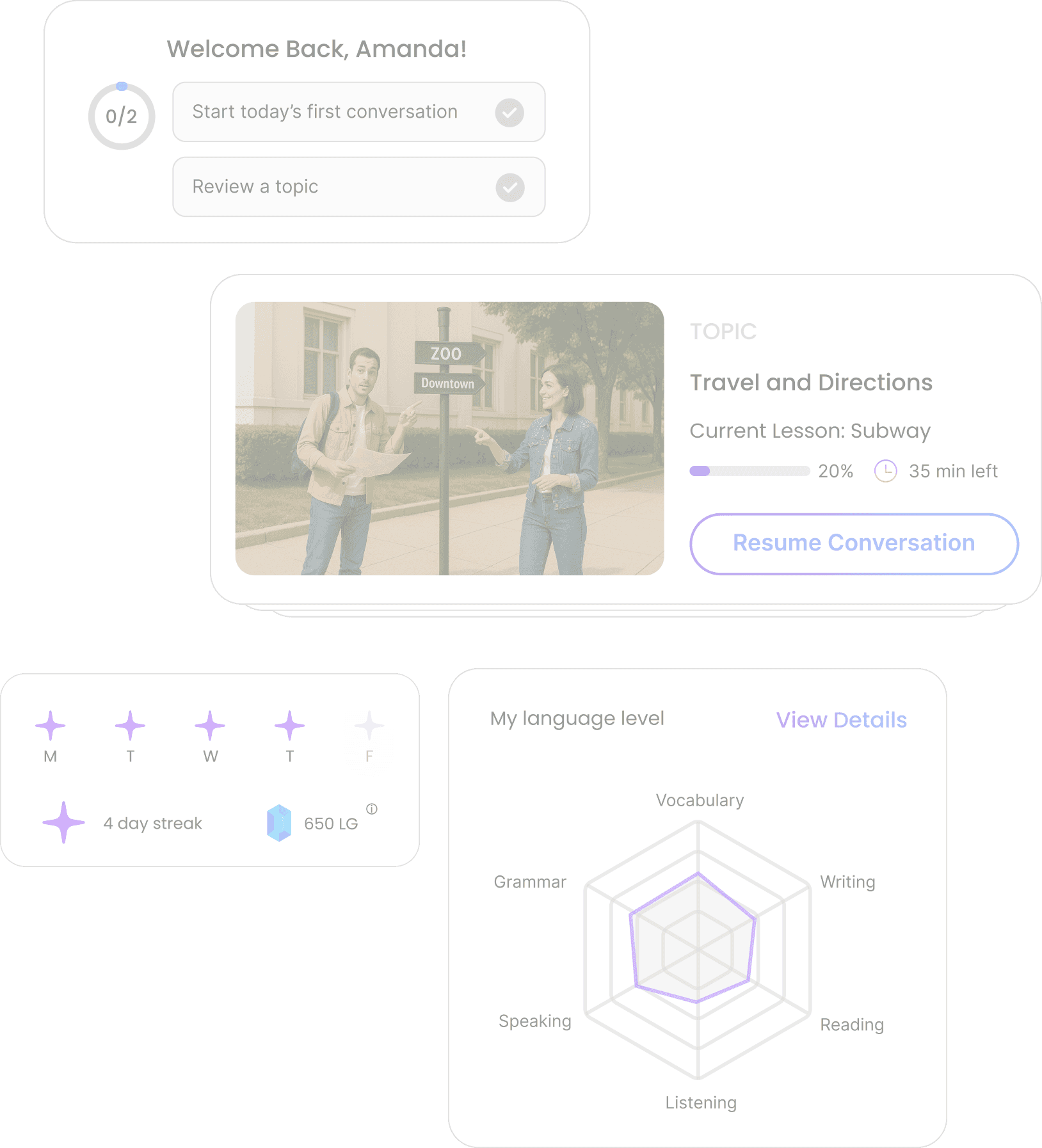
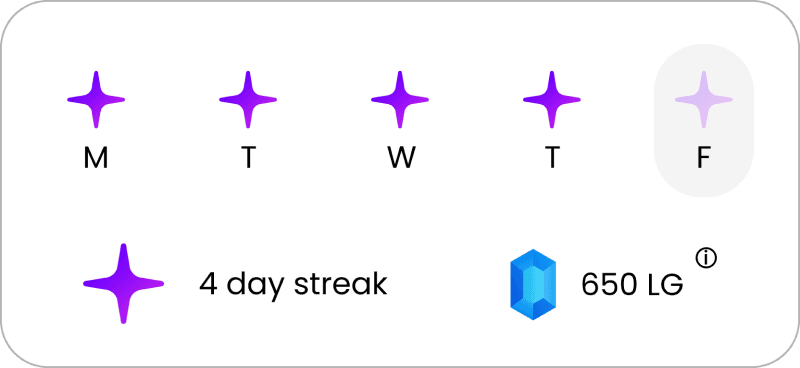
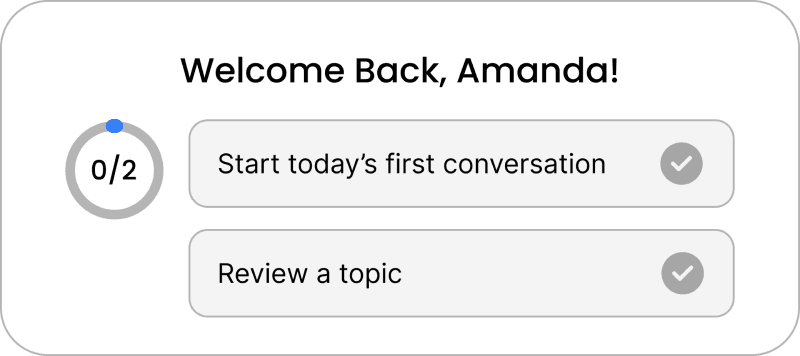
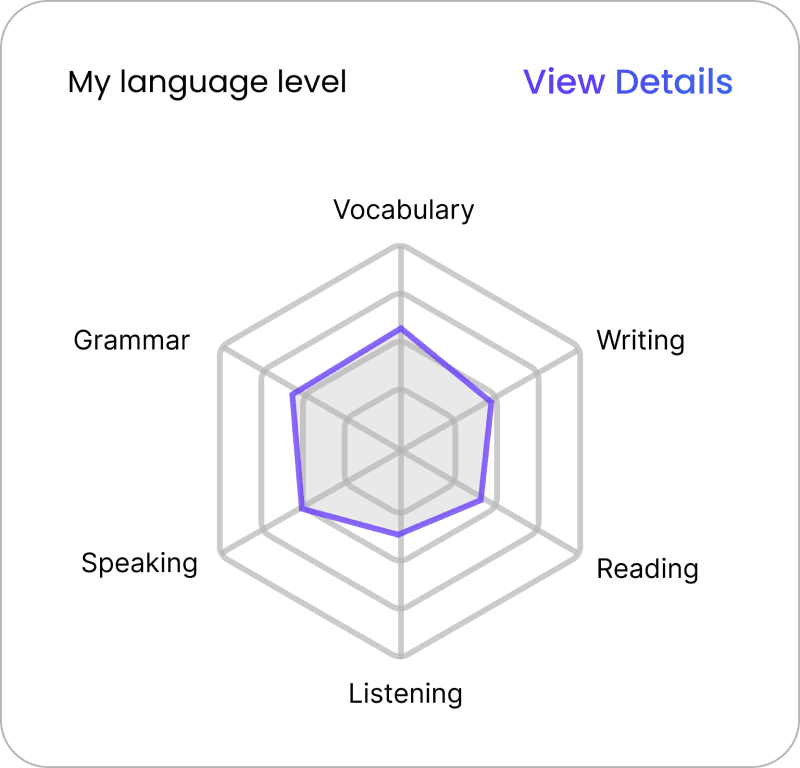
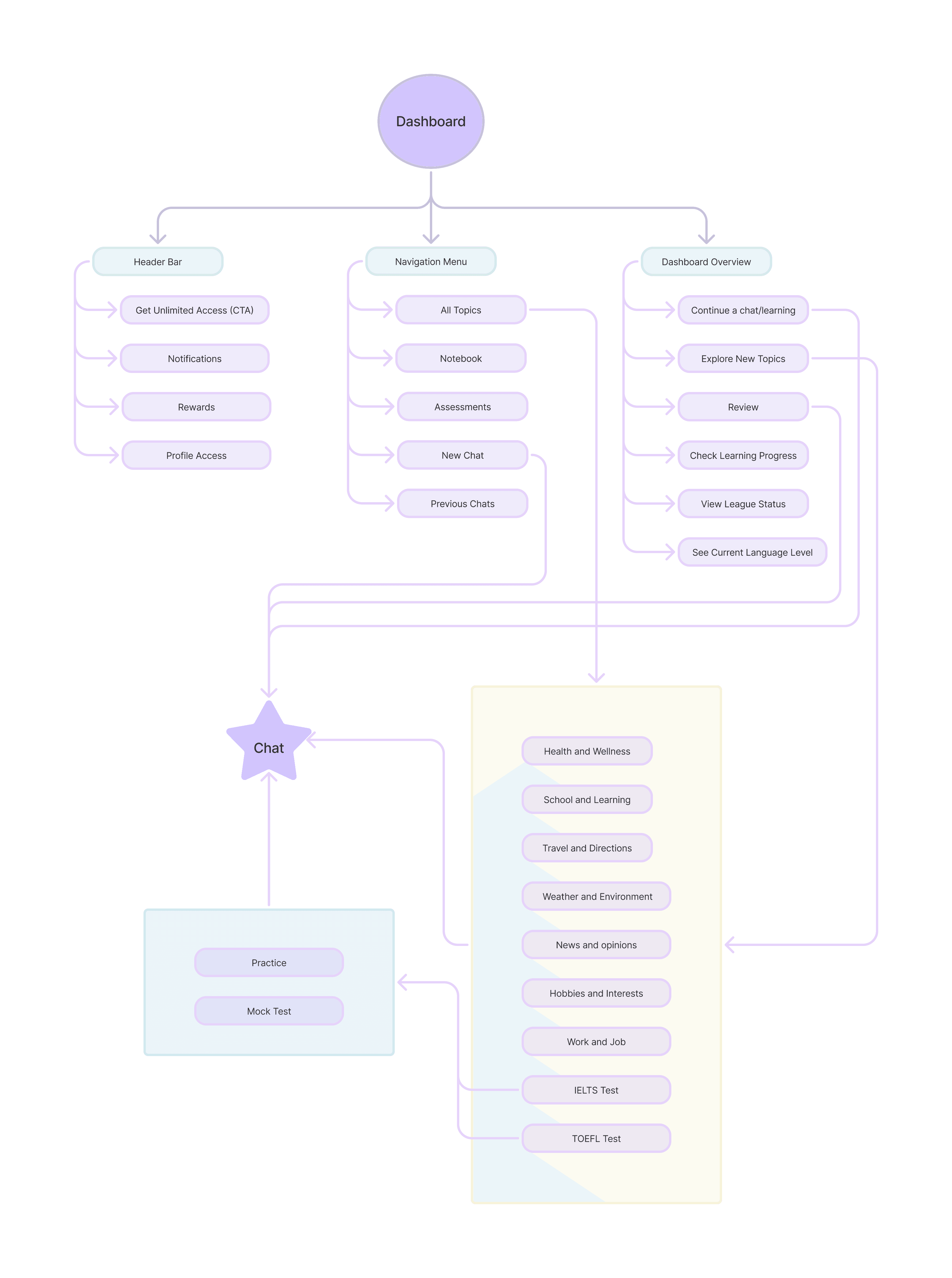
Brings progress, active work, and next steps into one place.
Helps users understand where they are and what to do next.
Makes growth more visible over time.

Problem addressed
Progress was hard to see, and it was easy to lose track of where to continue.

Goal
Increase return usage by making progress and next steps easier to understand.
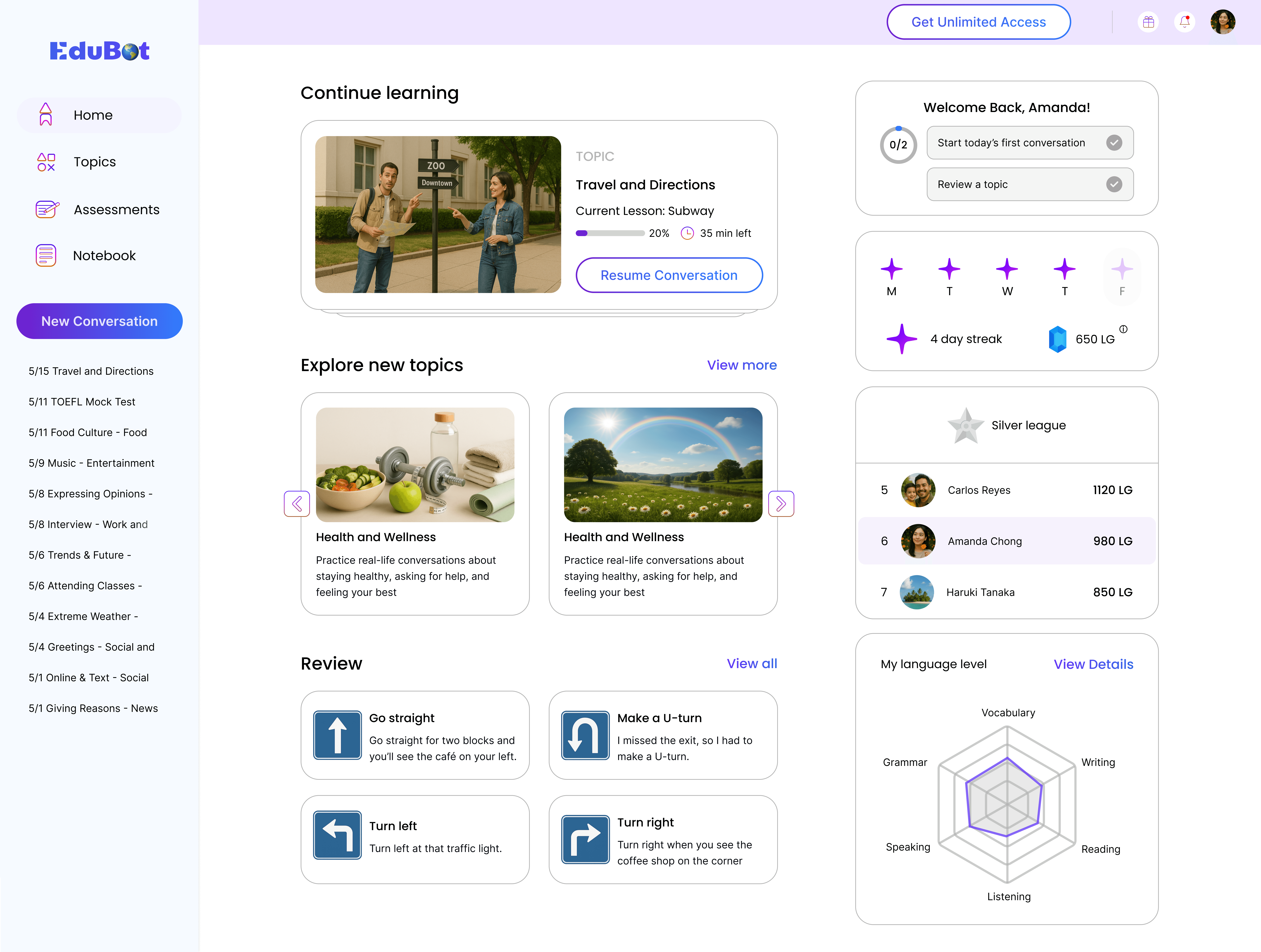

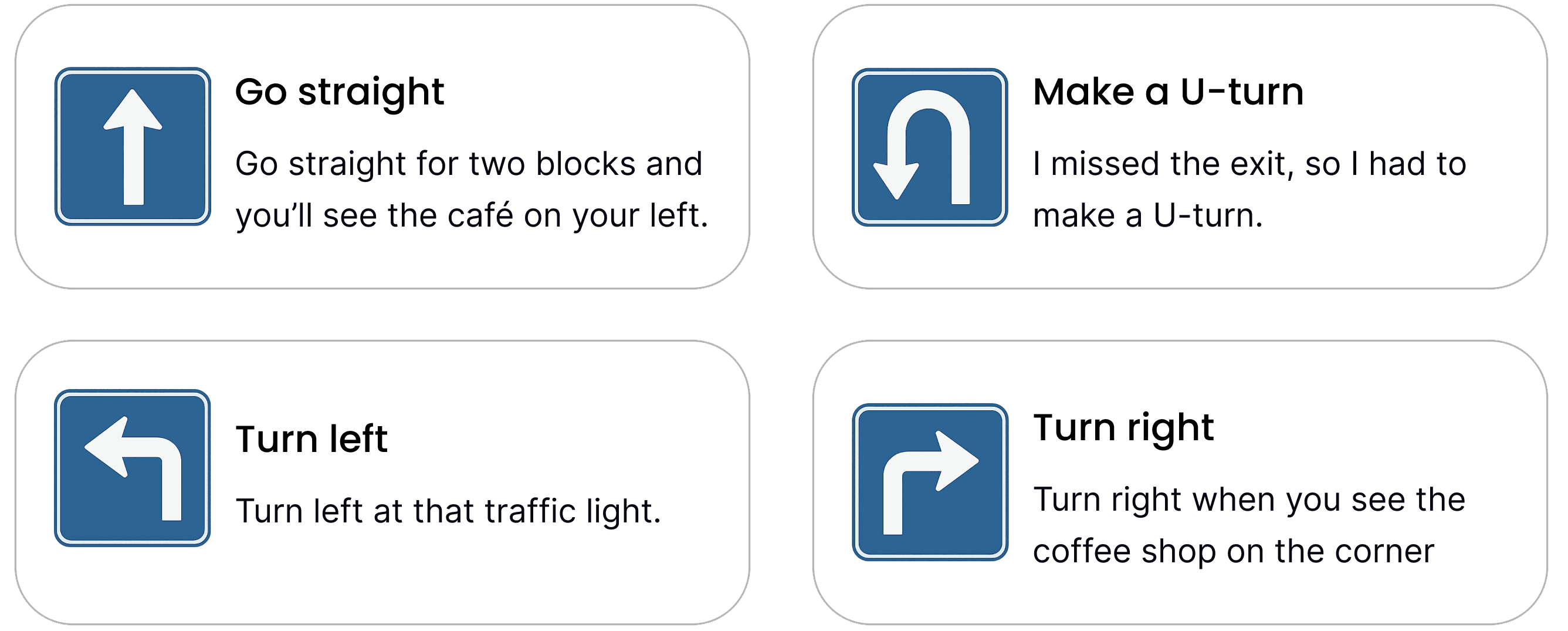

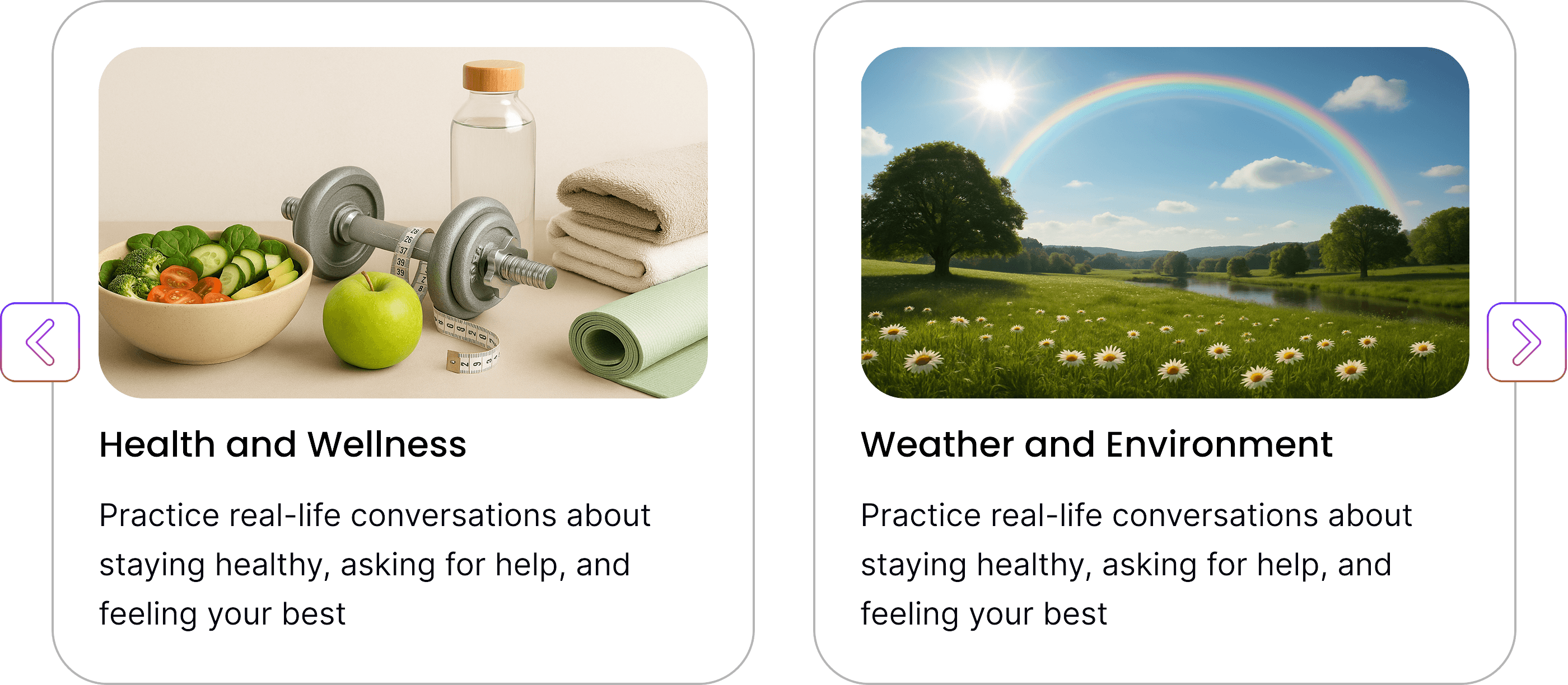
Organizes practice around familiar topics users can immediately relate to.
Helps users start from what feels relevant instead of entering a one-size-fits-all flow.
Makes the experience easier to approach and more flexible across different goals.
Problem addressed
Users had different communication goals, but the experience started from a fixed path.
Goal
Improve activation by making the entry point feel more relevant from the start.
Moves users from a topic into a specific real-life situation.
Makes practice feel more focused and easier to start.
Reduces hesitation through guided prompts before interaction begins.
Supports both text and voice input once the scenario is set.
Problem addressed
Broad topics alone were not specific enough to help users enter focused, real-life practice.
Goal
Increase practice starts by turning general topics into clearer, more actionable scenarios.
Gives users a clear agenda before practice begins.
Makes activities easier to understand through examples, tips, and action prompts.
Lets users adjust the lesson flow based on their needs in the moment.
Problem addressed
Open-ended practice made it hard to know what to expect or how to move through the session.
Goal
Increase completion by making the flow more structured, transparent, and easier to personalize.
The experience included multiple activity formats to support different kinds of practice.
Some activities focused on applied communication, while others supported comprehension and reinforcement.
Together, these formats made practice feel more varied, engaging, and better matched to different learning needs.
Problem addressed
Practice could feel repetitive and did not always support different kinds of learning in the same flow.
Goal
Increase engagement and session completion through a more balanced mix of activity formats.
Speaking Role-Play
Matching Exercise
Highlights the exact part that needs attention.
Explains the correction with clear examples and simple reasoning.
Turns correction into a next step instead of stopping the interaction.
Problem addressed
Feedback was often delayed, unclear, or disconnected from the moment of practice.
Goal
Increase perceived value and engagement by making feedback more timely and actionable.
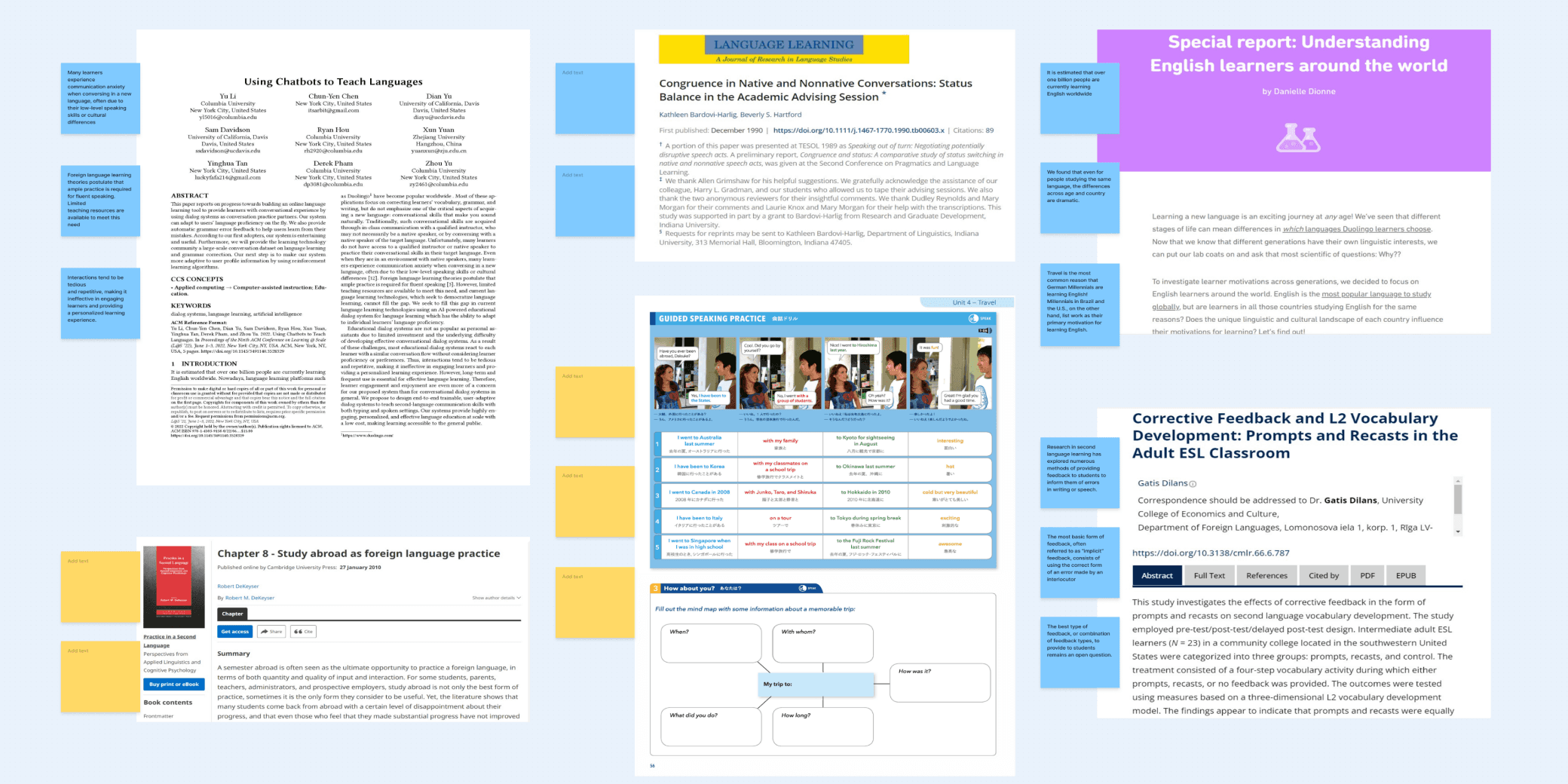
Literature Review
I reviewed research on language transfer, speaking anxiety, feedback, and motivation. This showed that the challenge was not only learning English, but using it confidently in real communication.
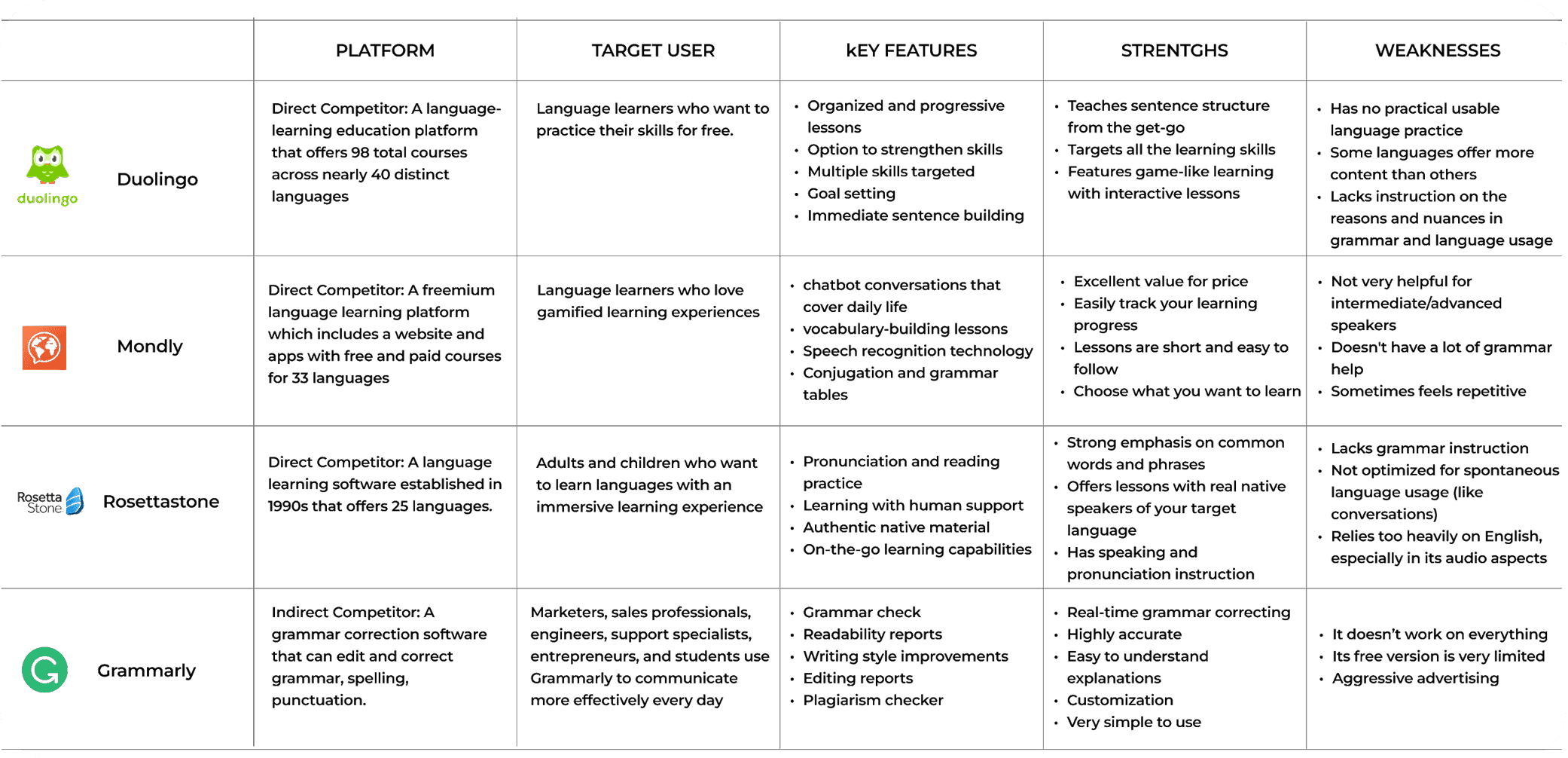
Competitive Analysis
I analyzed English learning products and conversational AI tools to compare how they handled practice, feedback, and progress. Most felt either too rigid or too open-ended.
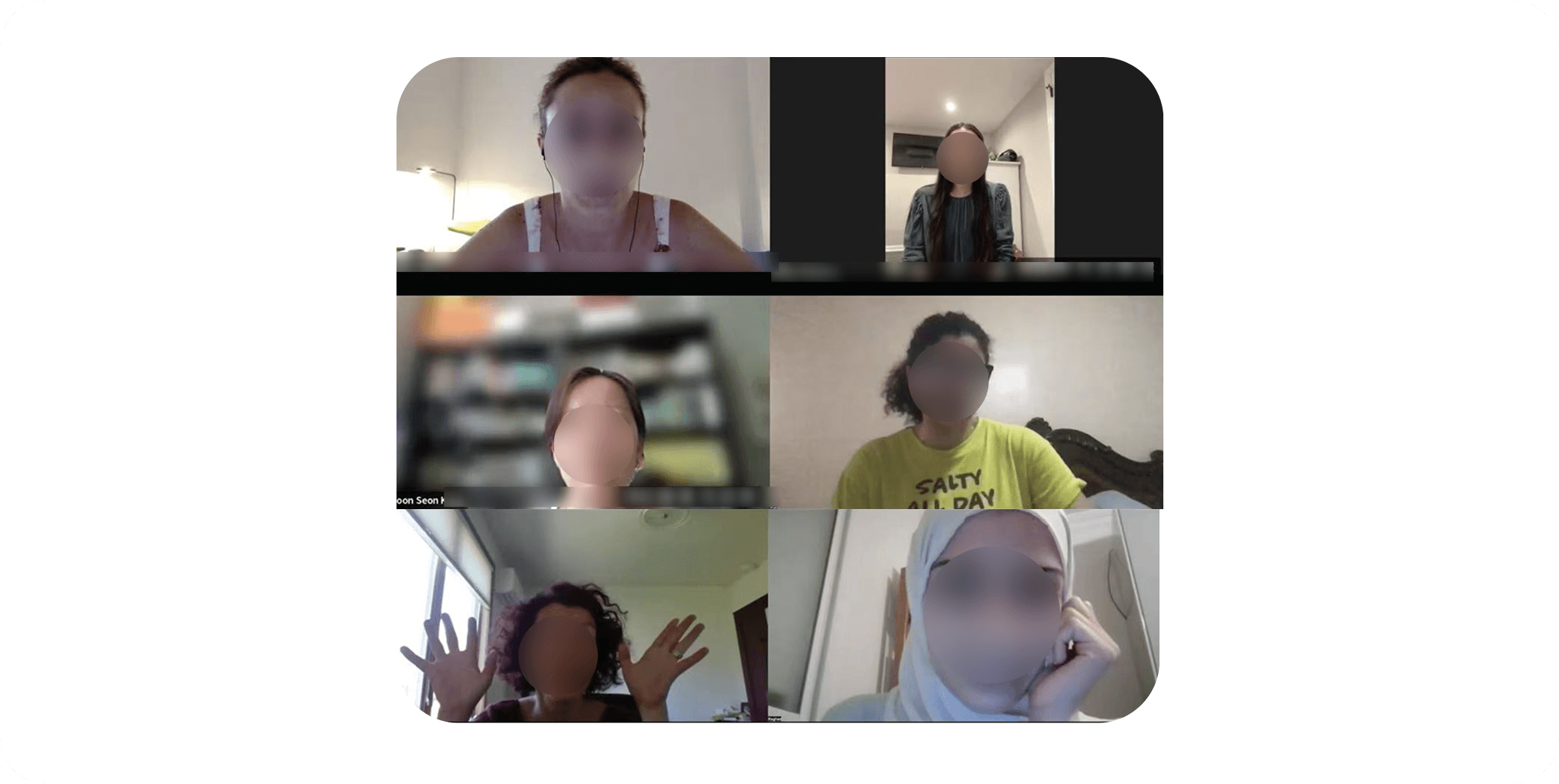
Semi-structured Interviews
Through learner interviews, I found recurring pain points around rigid paths, unclear progress, and practice that felt disconnected from real-life communication.
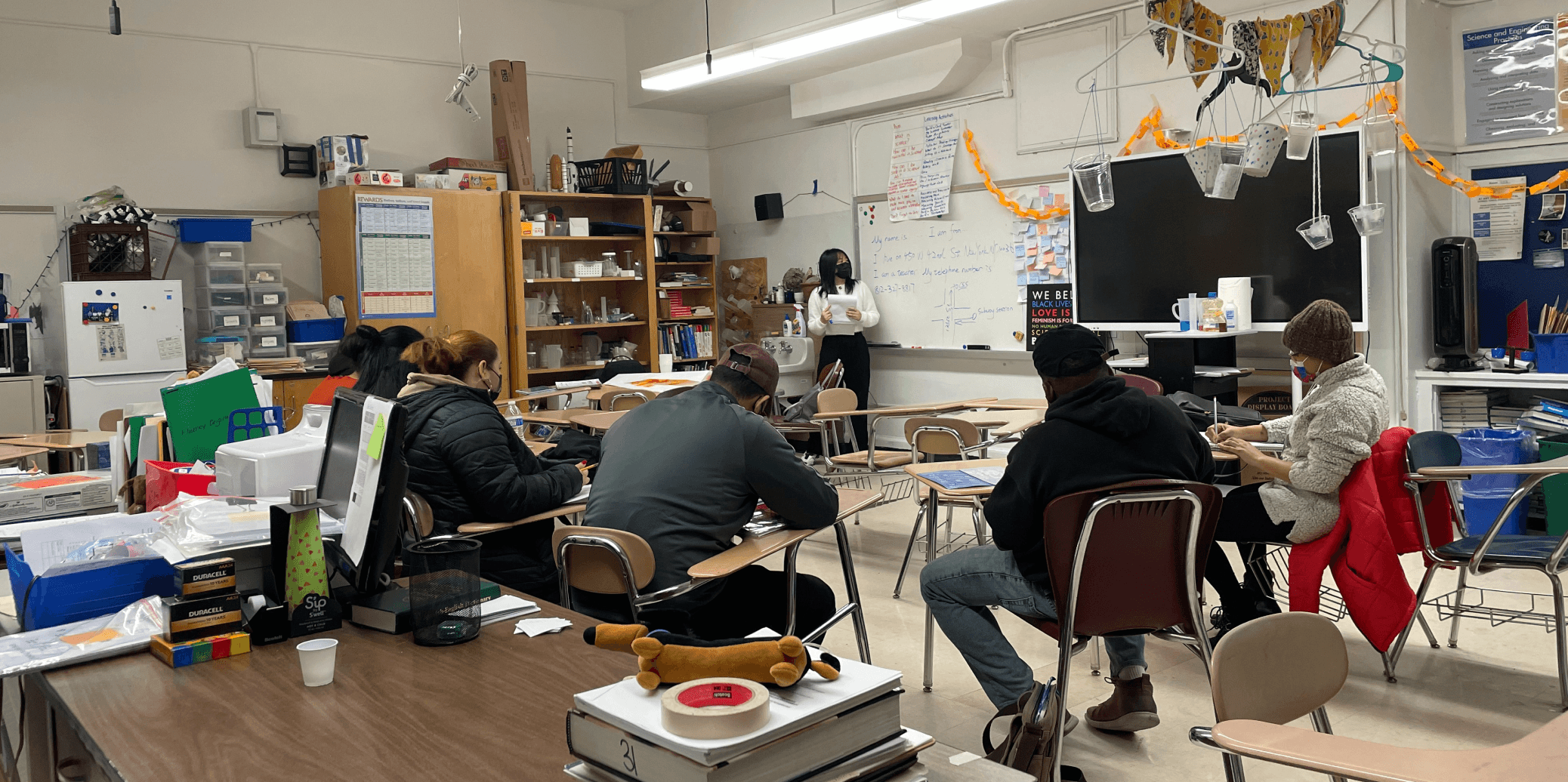
Field Observation
I observed how learners practiced across classes, self-study, and real-life situations. This helped me see where communication practice broke down in everyday use.
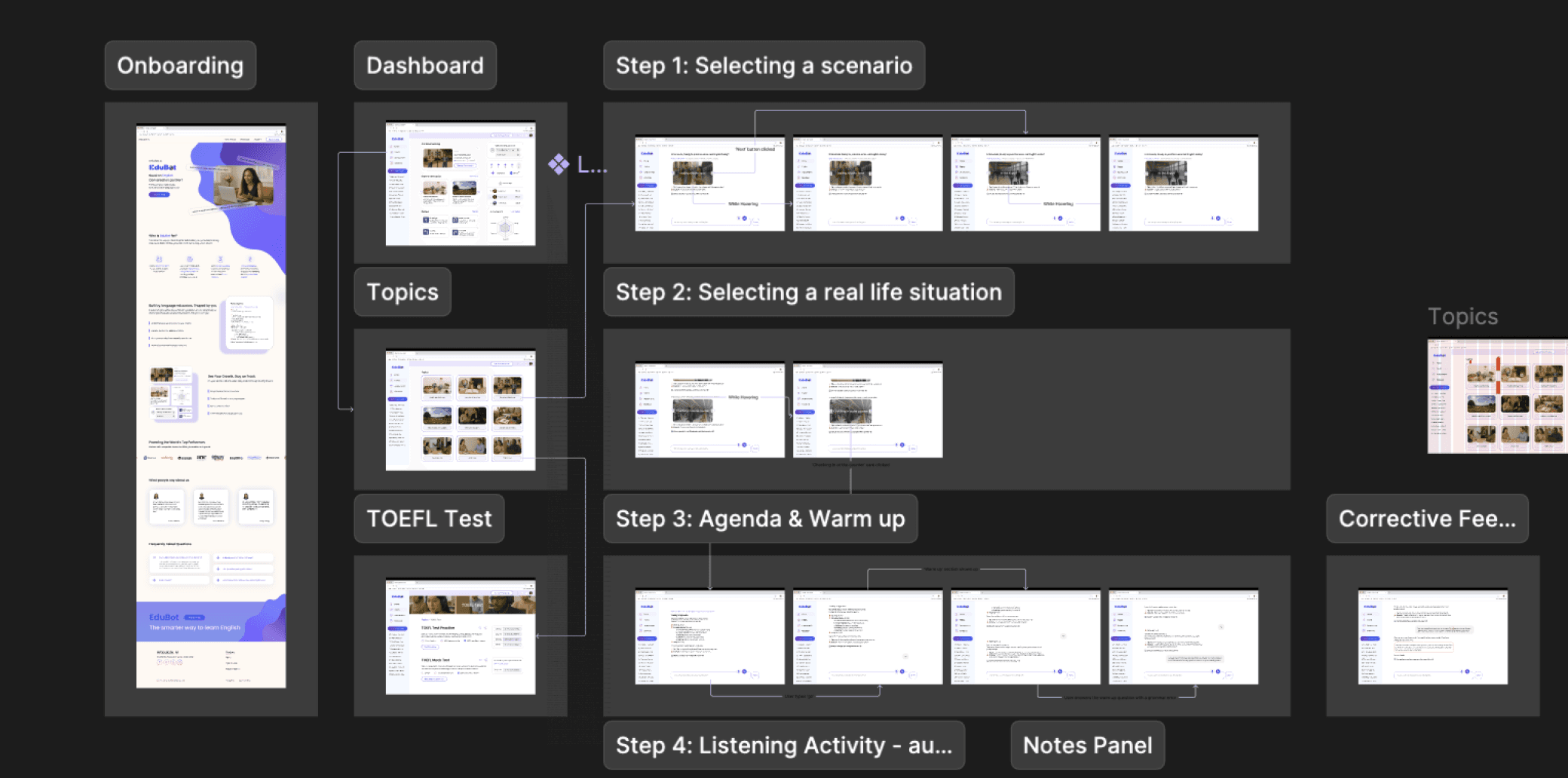
Rapid prototyping, testing and refining
I used quick prototypes to explore ideas early and validate what was worth developing further.
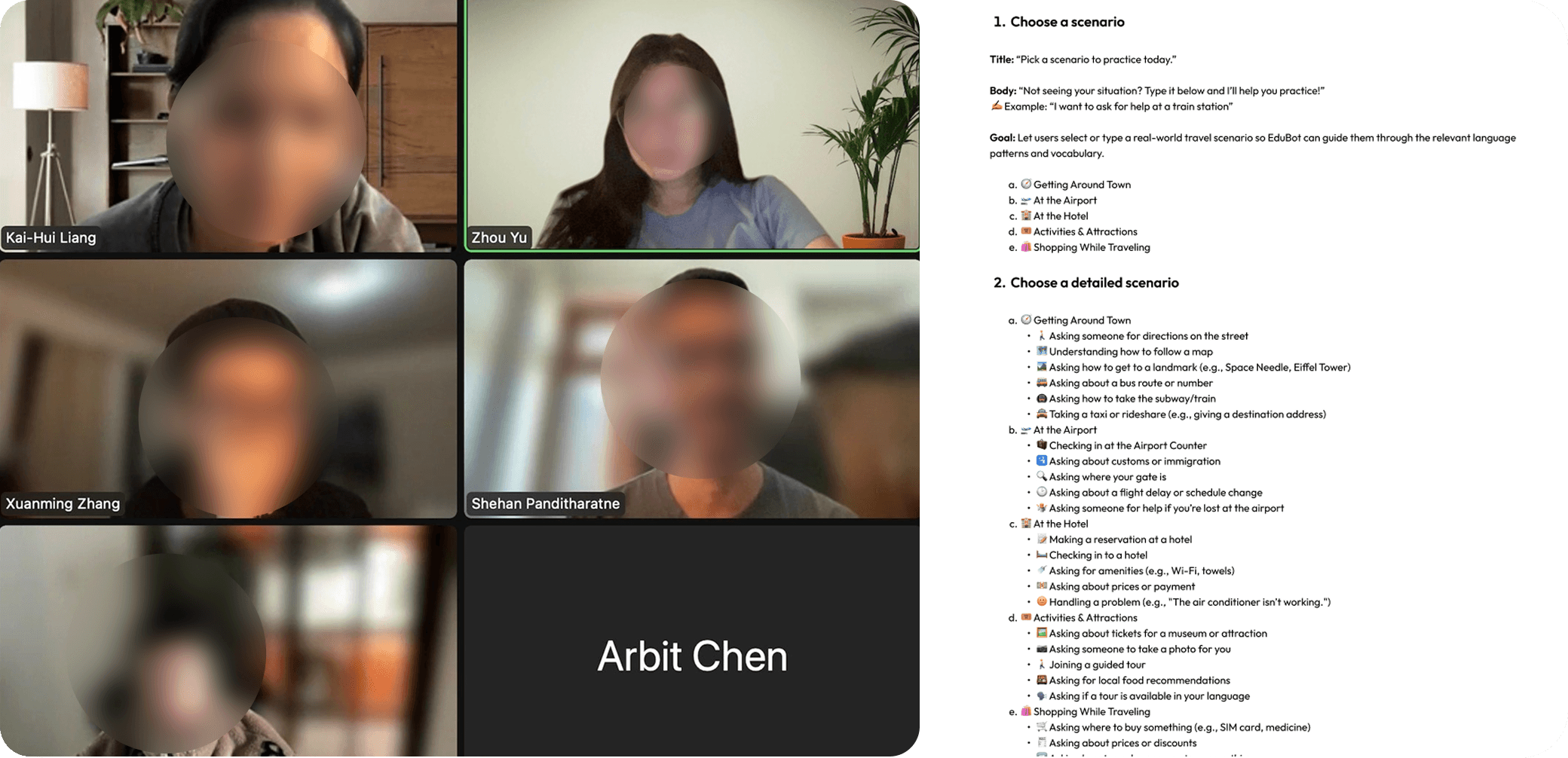
Aligning stakeholders
I brought stakeholders together around shared priorities, tradeoffs, and product direction.
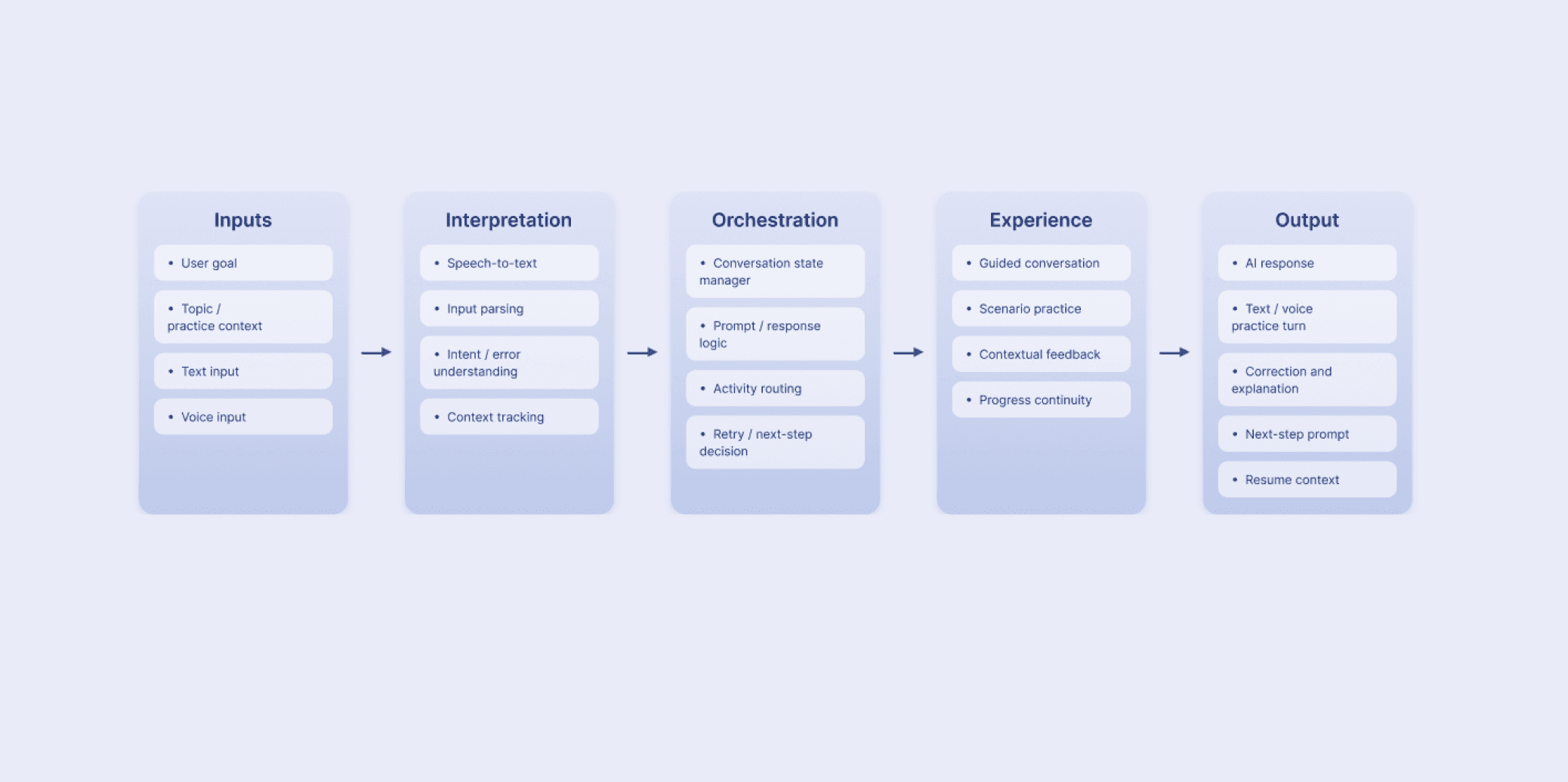
Defining AI capabilities with ML engineers
I worked with ML engineers to clarify what conversational AI could reliably support and translate those capabilities into product direction.
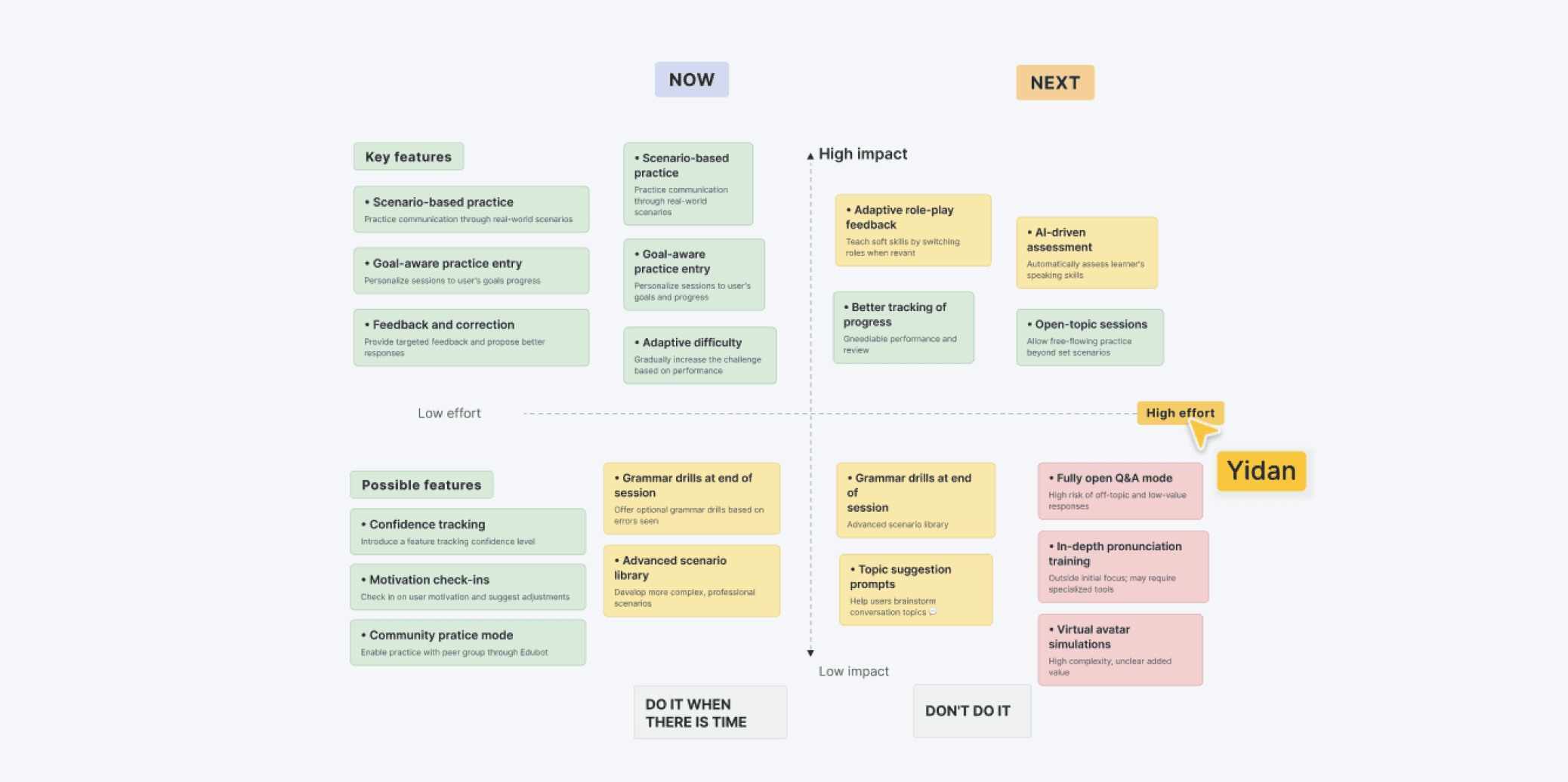
Prioritizing features
I narrowed the experience to the most valuable features first, balancing user impact, product goals, and implementation scope.
Supporting engineering development
I collaborated closely with engineers through handoff, design specs, and interaction reviews to accelerate MVP development. We aligned on implementation details to build the experience clearly and consistently.
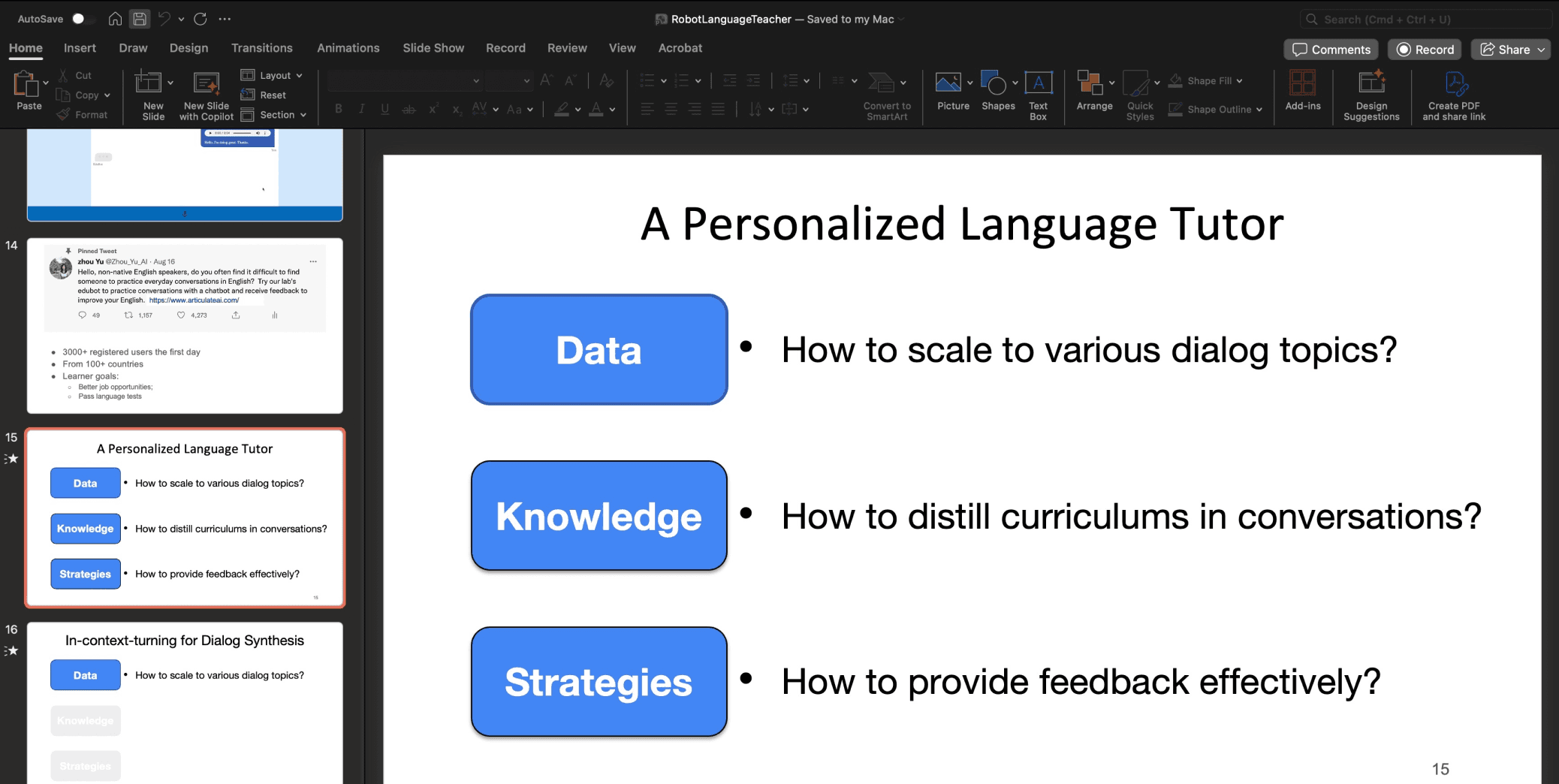
Supporting leadership in investor presentations
Beyond product design, I supported leadership by creating product visuals and demo materials, helping frame the product narrative around business value and communicate its potential to investors.
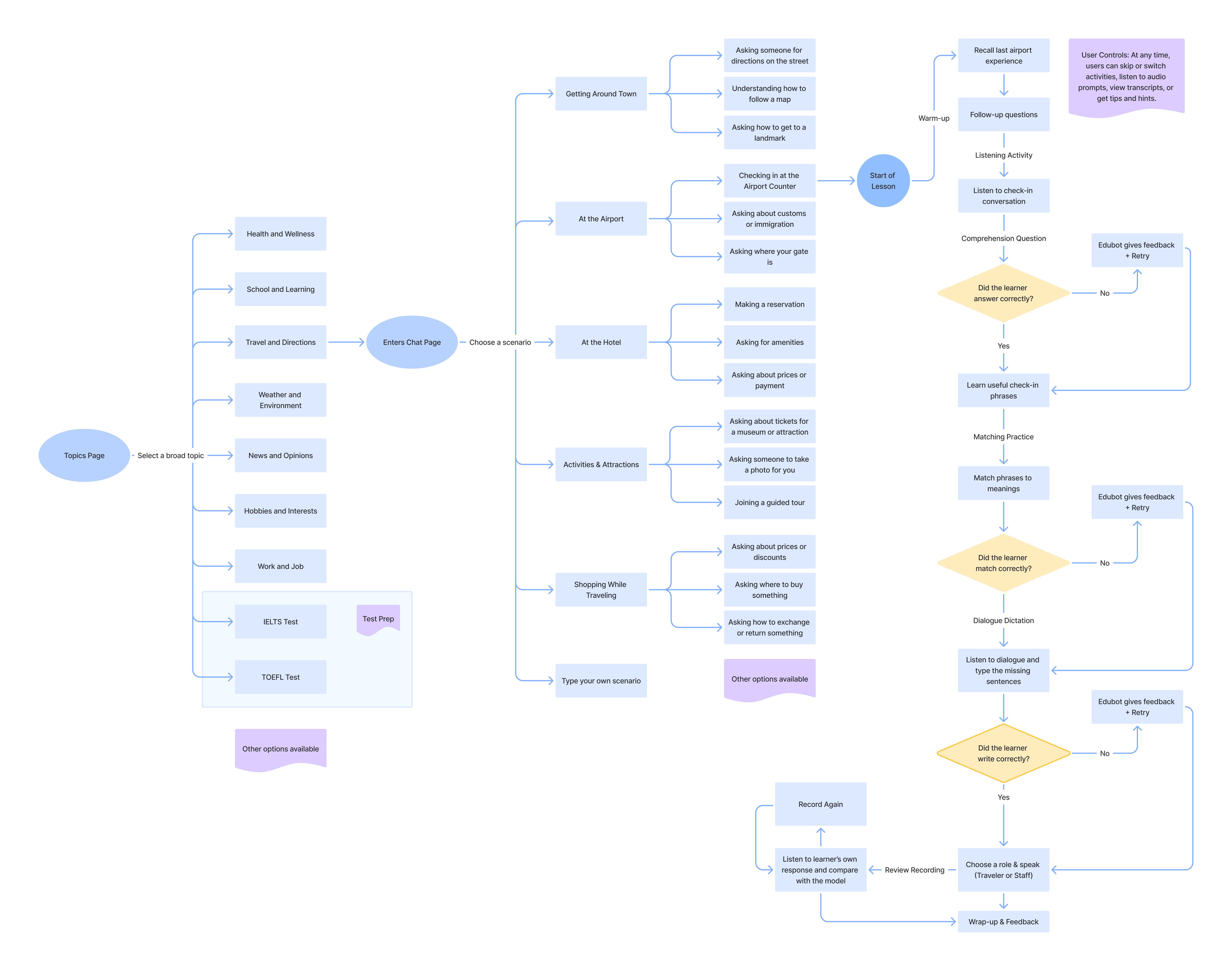
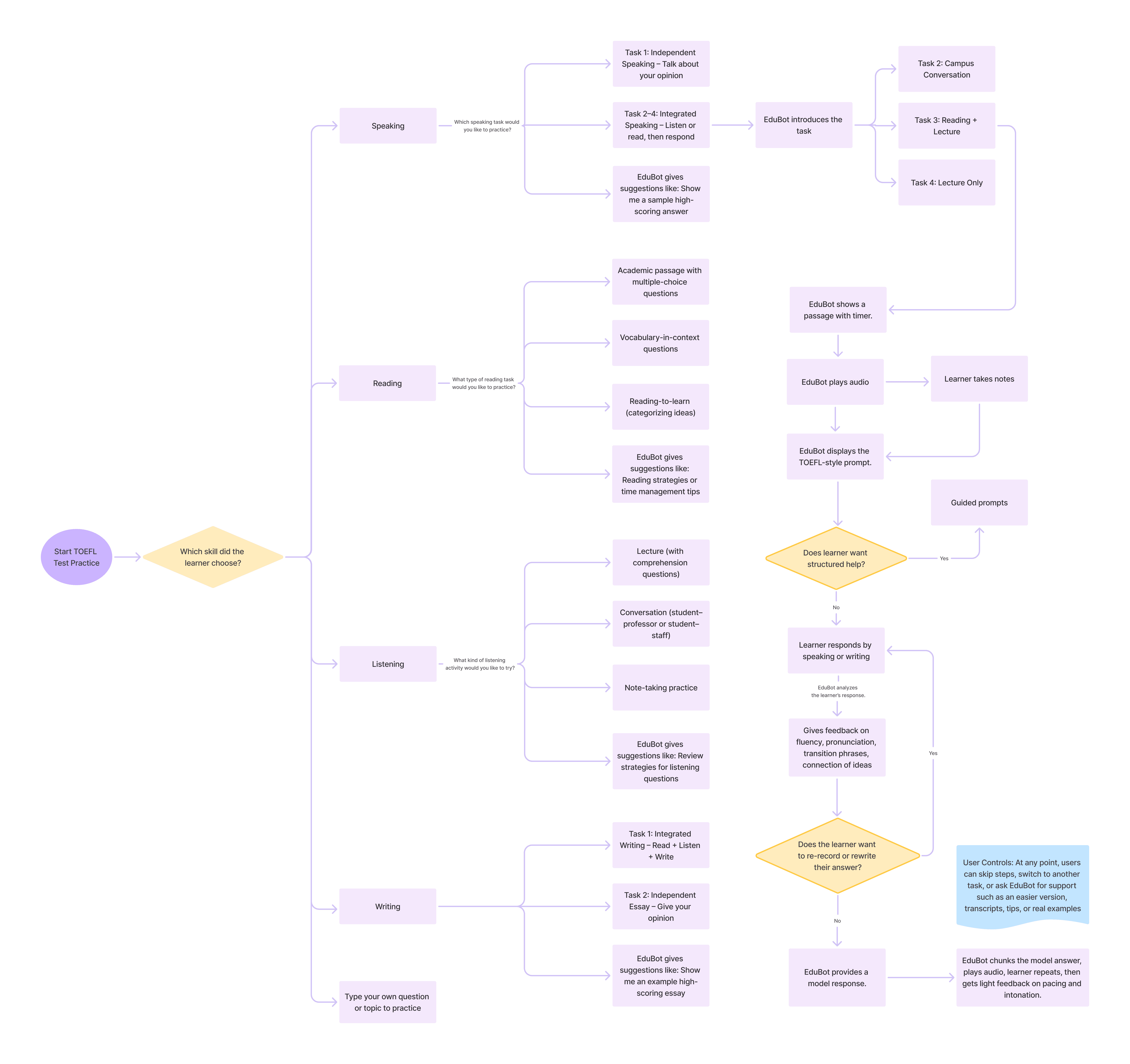
Iteration 1 : Linear Sequence

Concept Testing Findings:

01
02
Topics were engaging, but learners wanted more depth and real-life scenarios.
03
Desire for flexibility to choose or switch skills during a session.

Feedback felt too mechanical and easy to move past, making it harder for users to feel supported or act on it.

I redesigned the feedback to work at multiple levels: pinpointing the exact error inline, offering a lightweight hint, explaining the rule in context, and prompting the user to retry right away.
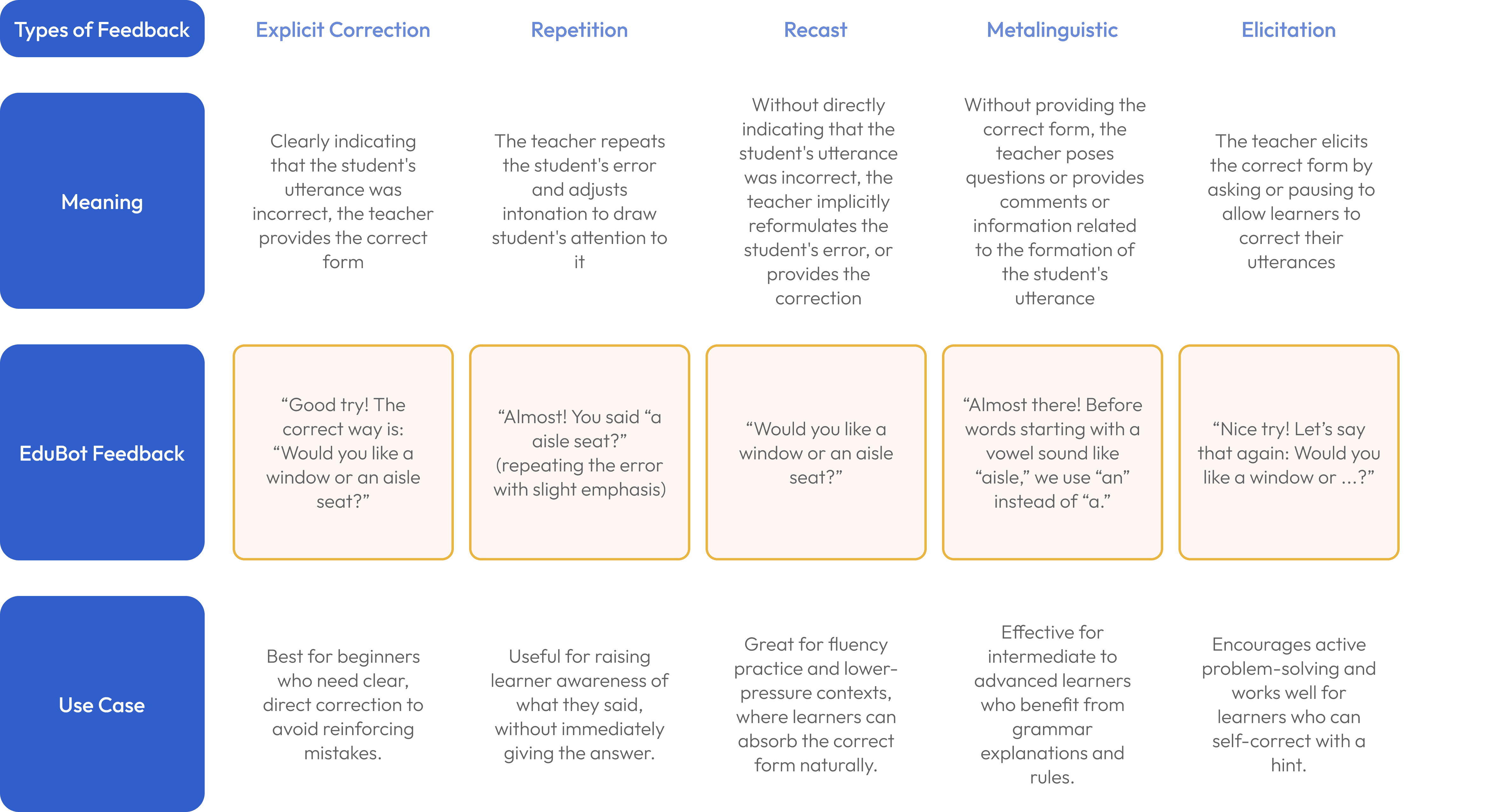
Different types of corrective feedback EduBot gives:
After doing additional secondary research and studying how feedback is delivered in real time, I developed a feedback framework to guide how the AI responded during practice. I also worked closely with ML engineers to define how different feedback types should be delivered in the product. The table below shows when each type of feedback appeared and how it was used.
1
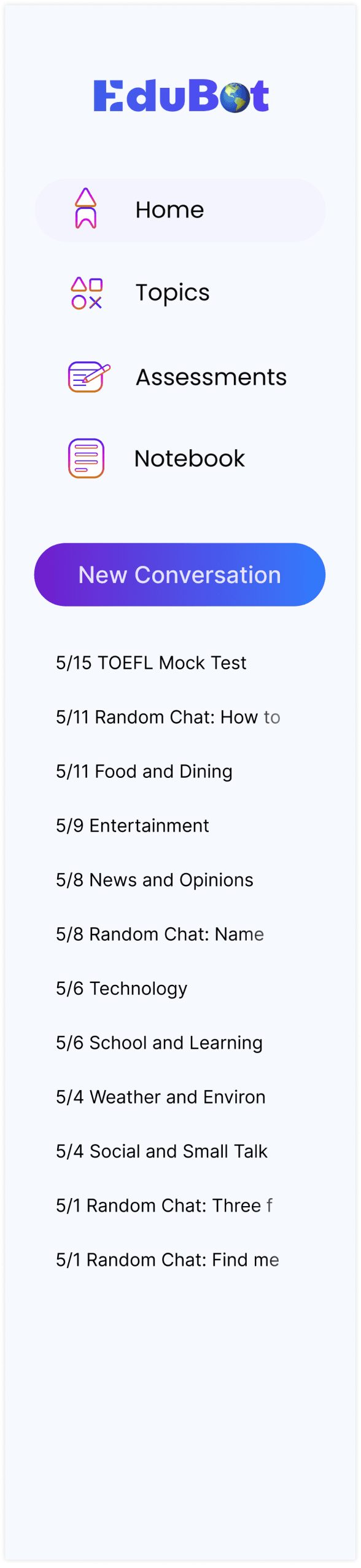
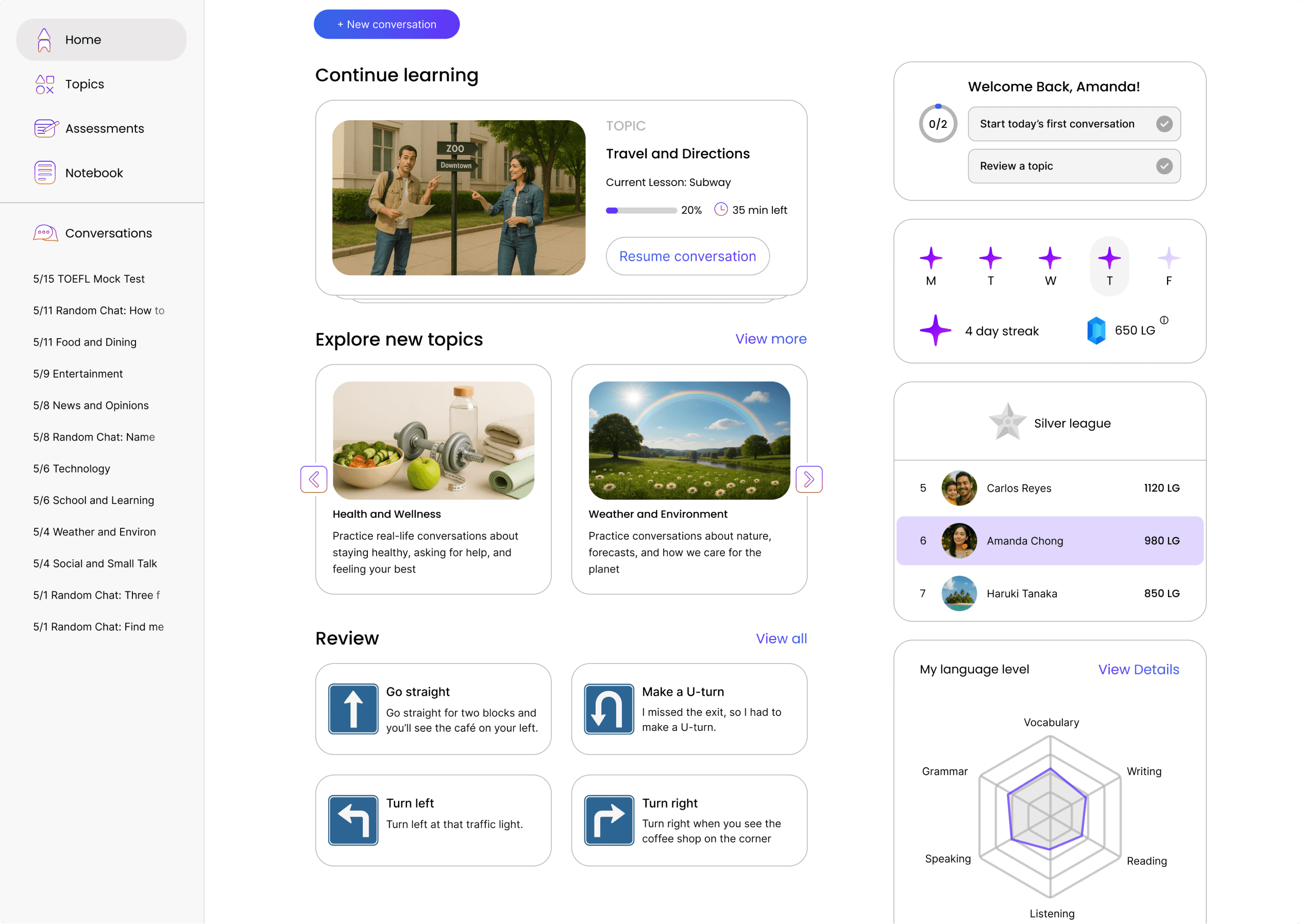
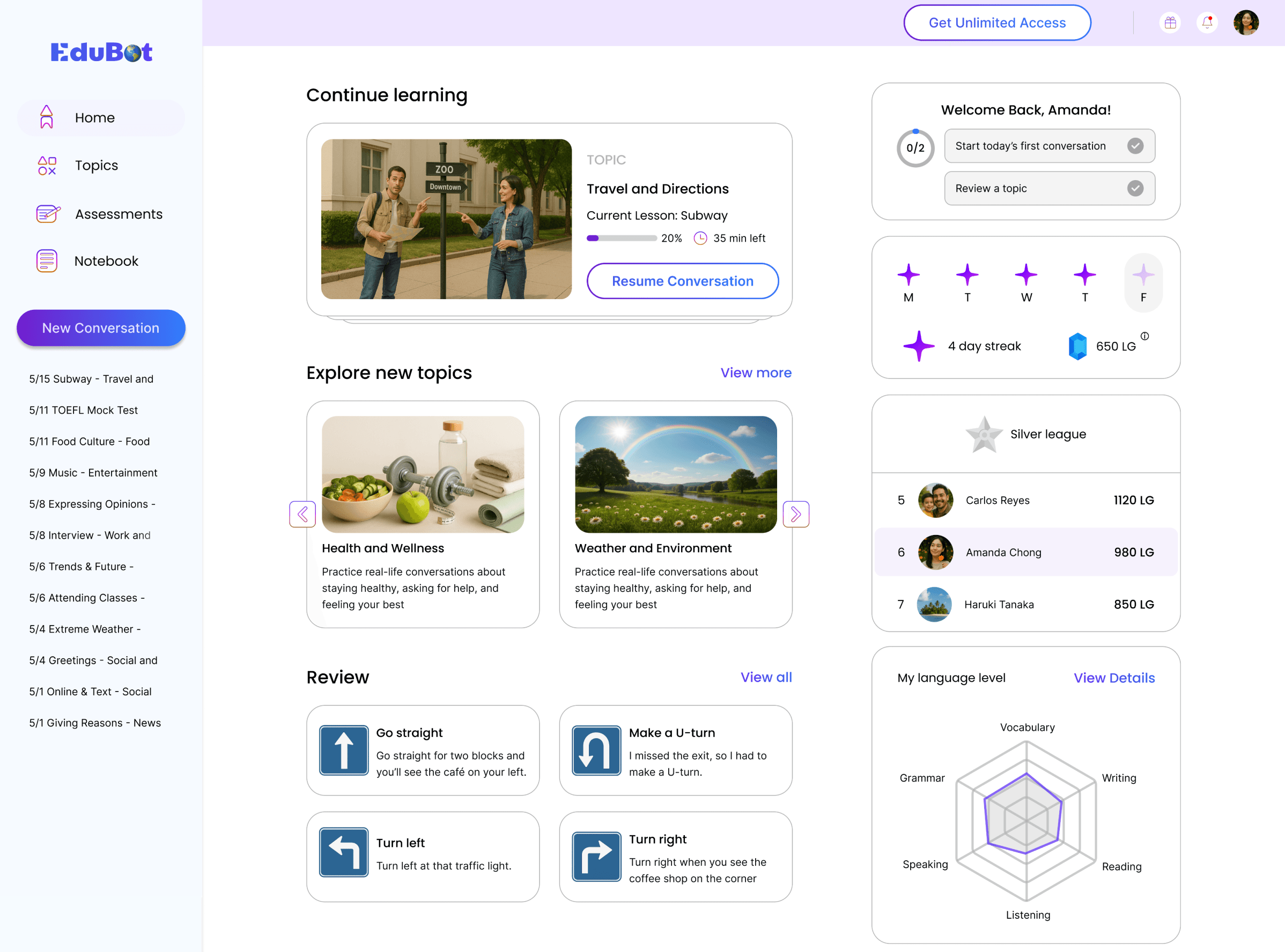
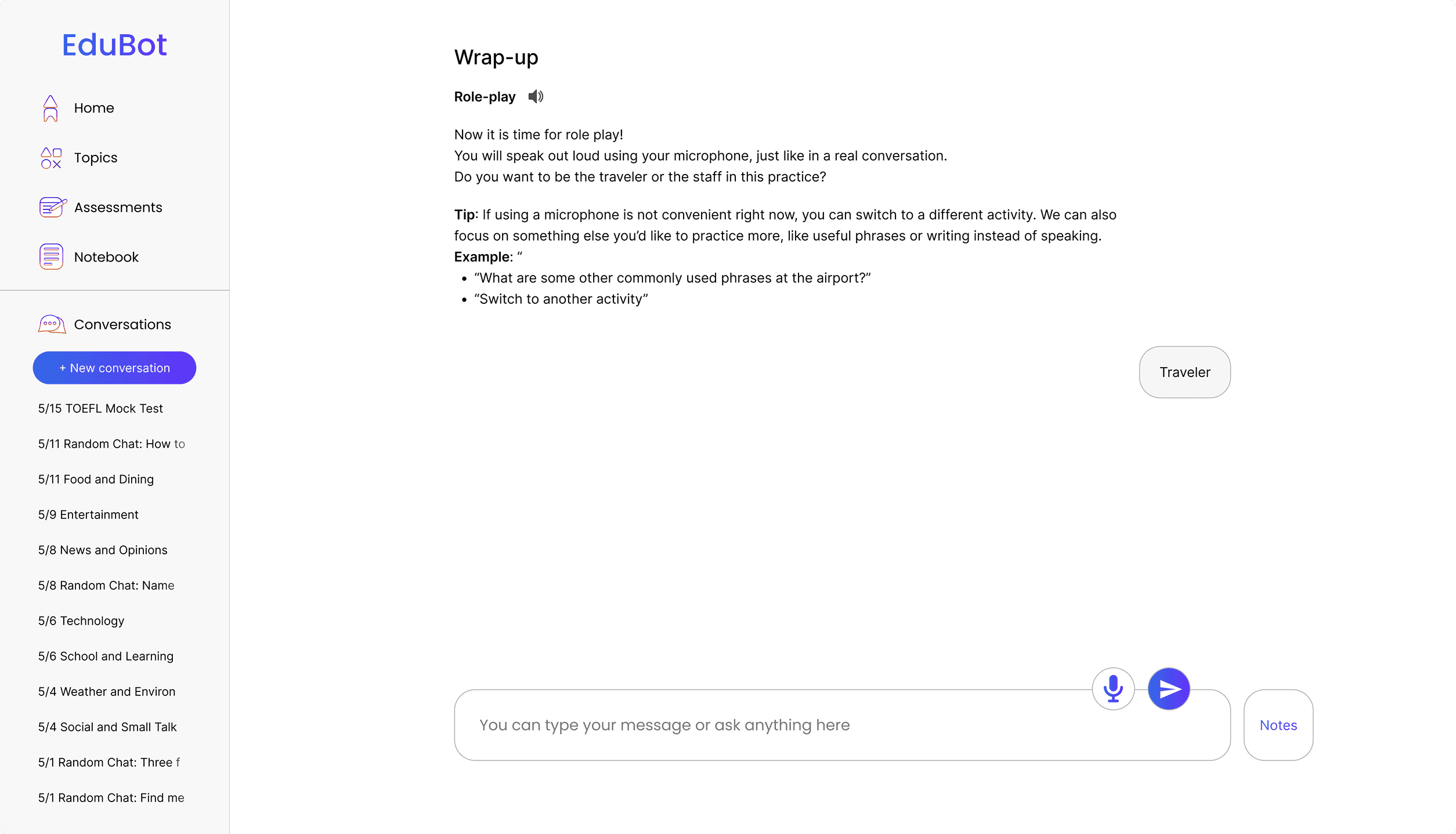
Moved the primary action into the left navigation so users could start a new conversation more easily.

2
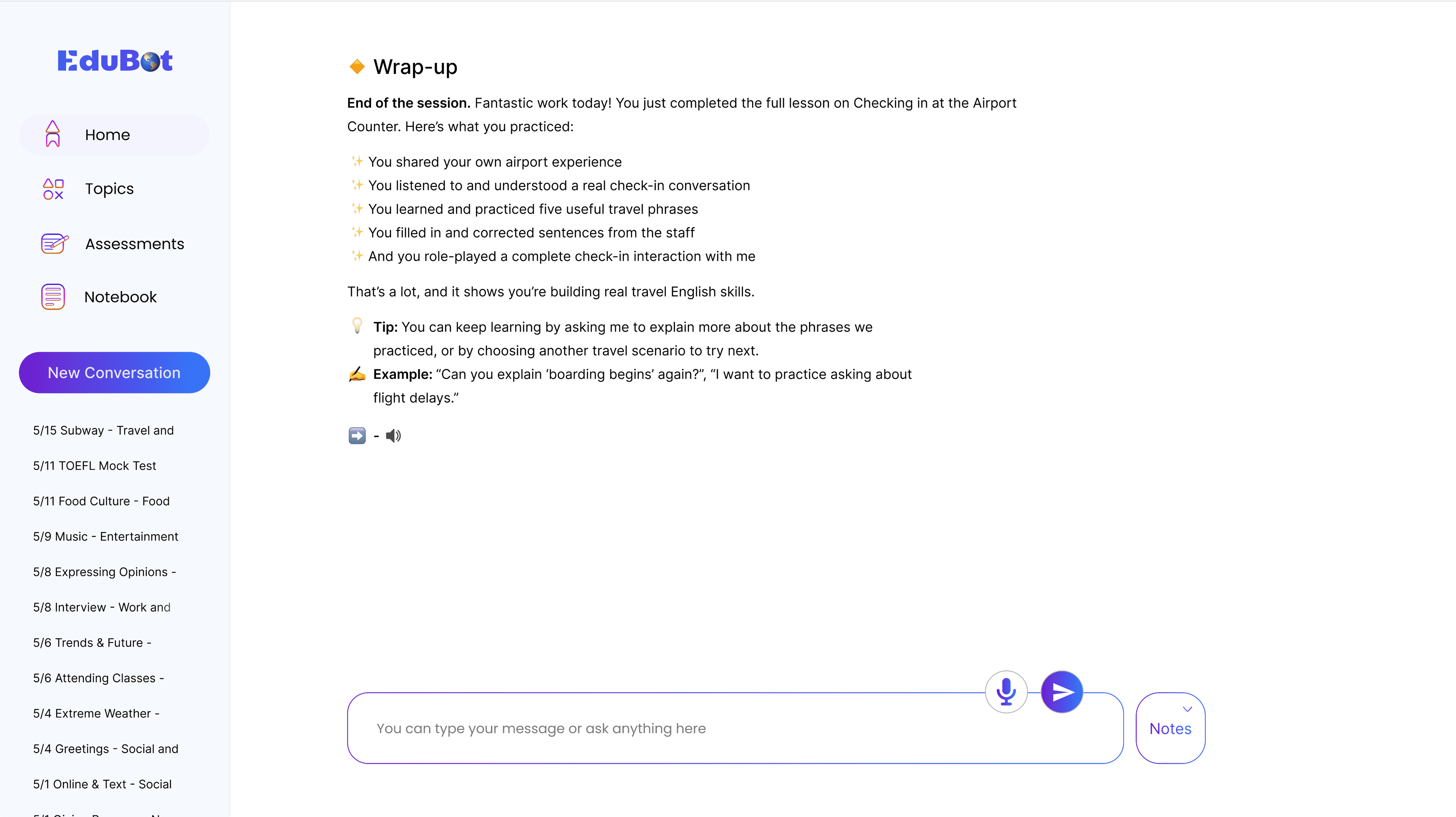
Added icons before lesson content, hints, and bot prompts to separate each type of information visually.

3
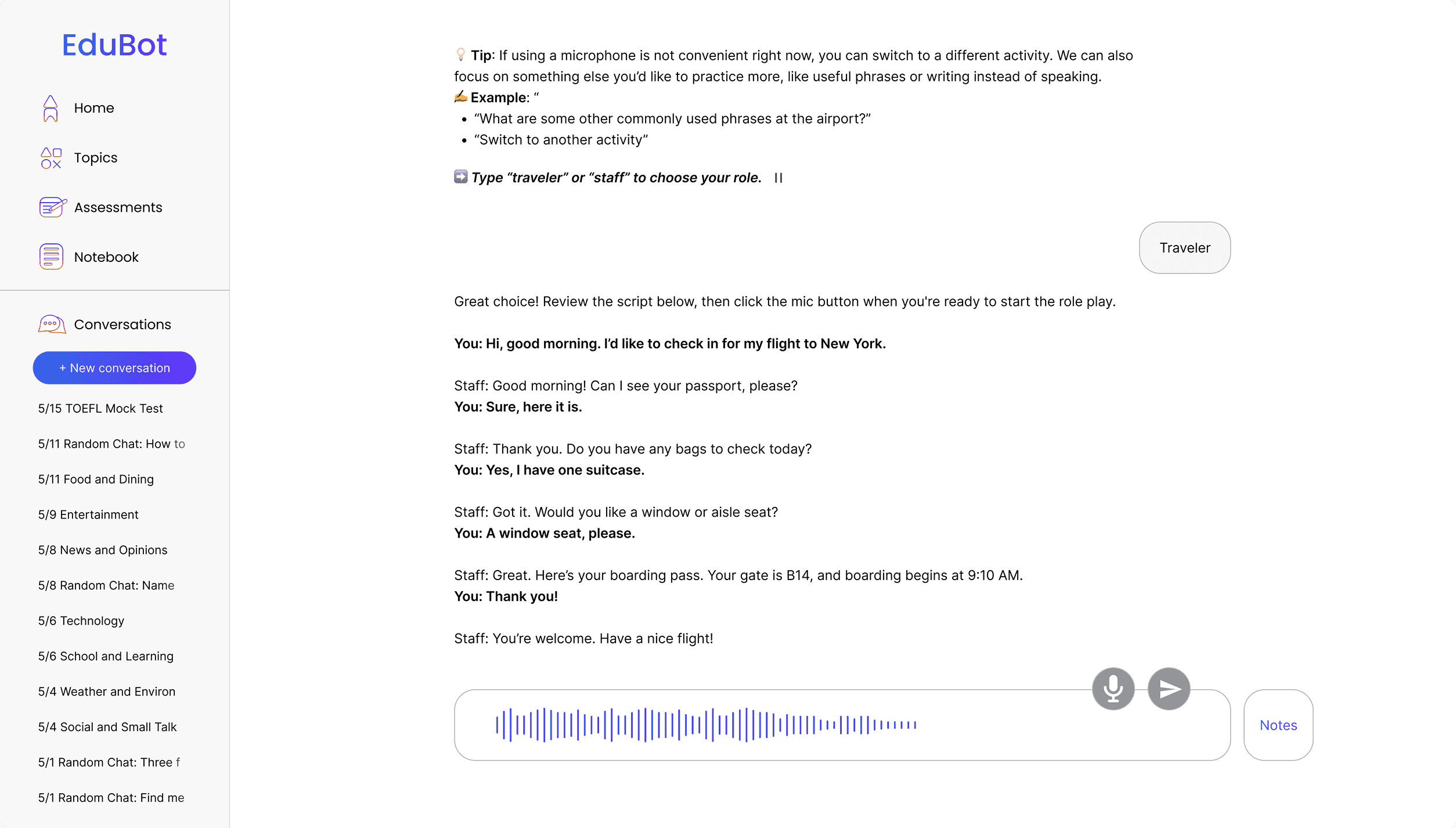
Added dynamic underlining so users could follow the text as it was spoken.

I grew into end-to-end product thinking
Being the only designer meant I had to think through the whole product, not just individual screens. I learned how to connect research, priorities, and design decisions into one direction that could actually move the product forward.
Stronger prioritization under constraints
This project strengthened my ability to focus on what mattered most when time, resources, and technical feasibility were all limited. I became more intentional about making tradeoffs instead of trying to solve everything at once.
I became more effective at cross-functional alignment
Without another designer to lean on, I had to get much better at explaining my thinking and bringing people along. Prototypes, conversation flows, and testing insights became the tools I used to create shared understanding across the team.
More confidence in shaping ambiguity
Working in an early-stage environment pushed me to make progress without waiting for perfect clarity. I learned how to turn open questions into a clearer direction through research, synthesis, and fast iteration.
A deeper sense of what makes an experience stick
I became more aware that a product is not only about core functionality, but also about whether people feel guided, supported, and motivated to come back. That shifted how I think about continuity, tone, and overall product value.
A sharper sense of AI product judgment
This project pushed me to think more carefully about what AI should do, and what it should not. I became more aware that designing for AI is not just about capability, but also about trust, tone, and how supported the user feels.